
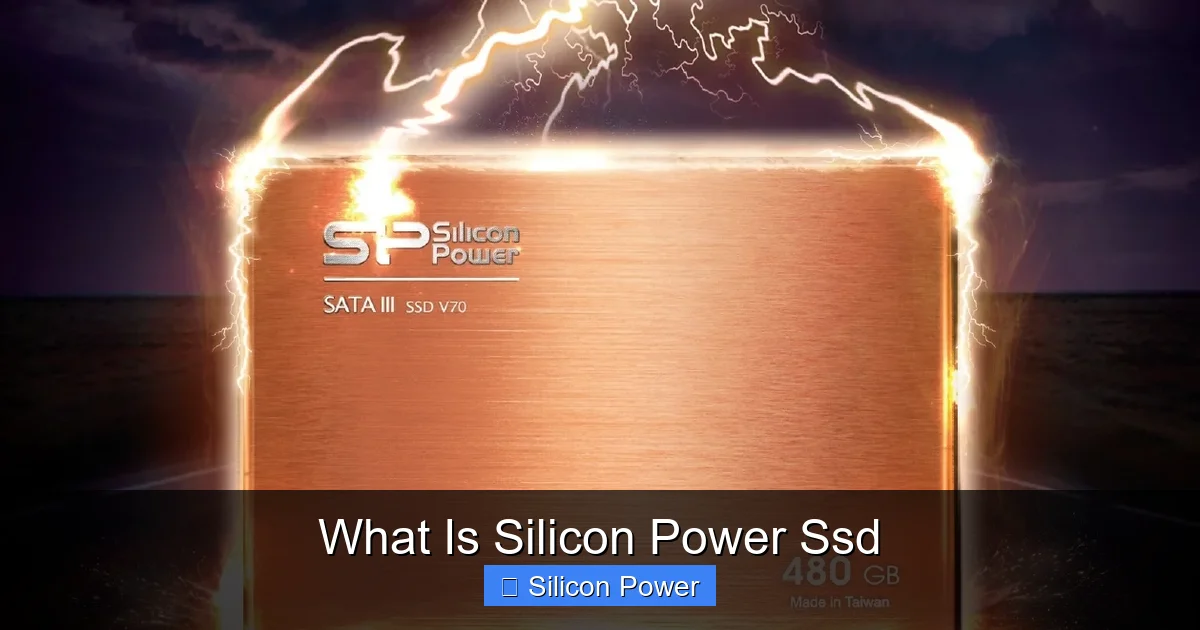
Silicon Power SSDs are high-performance solid-state drives known for speed, durability, and value. Whether upgrading your laptop or building a PC, these SSDs deliver reliable storage with impressive read/write speeds and long-term reliability.
If you’ve ever waited minutes for your computer to start up or for large files to transfer, you know how frustrating slow storage can be. That’s where solid-state drives (SSDs) come in — and one brand that’s been quietly making waves in the storage world is Silicon Power. But what is Silicon Power SSD exactly? And why should you care?
Silicon Power is a Taiwan-based company that’s been designing and manufacturing storage solutions since 2003. While they may not have the same global name recognition as Samsung or Crucial, they’ve built a strong reputation for delivering high-quality SSDs at competitive prices. Their SSDs are used by everyday users, gamers, students, and even small businesses looking to boost performance without breaking the bank.
In this guide, we’ll dive deep into what makes Silicon Power SSDs stand out. From their technology and performance to real-world use cases and installation tips, you’ll get a complete picture of why these drives are worth considering for your next upgrade.
Key Takeaways
- Silicon Power SSDs use NAND flash technology to deliver faster boot times, quicker file transfers, and improved system responsiveness compared to traditional HDDs.
- They offer a range of form factors including 2.5-inch SATA, M.2 SATA, and NVMe M.2, making them compatible with laptops, desktops, and gaming consoles.
- Affordable pricing without sacrificing quality makes Silicon Power a popular choice for budget-conscious users seeking reliable SSD performance.
- Built with advanced error correction and wear-leveling to extend drive lifespan and protect data integrity over time.
- Ideal for everyday computing, gaming, and content creation thanks to consistent performance and low power consumption.
- Comes with a limited warranty (typically 3 to 5 years), offering peace of mind and support for long-term use.
- Easy installation and compatibility with Windows, macOS, and Linux systems ensure a smooth upgrade experience.
Quick Answers to Common Questions
What is Silicon Power SSD?
Silicon Power SSD is a solid-state drive made by Silicon Power, a Taiwan-based company known for affordable, reliable storage solutions using NAND flash technology.
Are Silicon Power SSDs fast?
Yes, they offer fast read/write speeds — up to 560 MB/s for SATA models and over 3,000 MB/s for NVMe drives — making them great for everyday use and gaming.
Can I use a Silicon Power SSD in my laptop?
Yes, as long as your laptop supports the form factor (2.5-inch or M.2) and interface (SATA or NVMe). Most modern laptops are compatible.
How long do Silicon Power SSDs last?
They’re built to last, with MTBF ratings up to 2 million hours and TBW ratings in the hundreds of terabytes, ensuring years of reliable use.
Do I need to install drivers for a Silicon Power SSD?
No, Silicon Power SSDs are plug-and-play. They work with standard OS drivers and require no additional software to function.
📑 Table of Contents
- Understanding Silicon Power SSDs: The Basics
- Performance and Speed: What to Expect
- Durability and Reliability: Built to Last
- Compatibility and Installation: Easy Upgrades
- Use Cases: Who Should Use Silicon Power SSDs?
- Price and Value: Why Silicon Power Stands Out
- Conclusion: Is a Silicon Power SSD Right for You?
Understanding Silicon Power SSDs: The Basics
So, what exactly is a Silicon Power SSD? At its core, it’s a type of solid-state storage device that uses NAND flash memory to store data. Unlike traditional hard disk drives (HDDs), which rely on spinning disks and moving read/write heads, SSDs have no moving parts. This makes them faster, quieter, more durable, and more energy-efficient.
Silicon Power SSDs come in several form factors and interface types, but they all share the same goal: to give you faster access to your data. Whether you’re booting up your laptop, loading a game, or editing a video, an SSD can dramatically reduce wait times.
One of the key advantages of Silicon Power SSDs is their balance of performance and affordability. While premium brands often charge a premium for similar specs, Silicon Power manages to keep prices low without cutting corners on quality. This makes them especially appealing to budget-conscious buyers who still want reliable performance.
How Silicon Power SSDs Work
Silicon Power SSDs use NAND flash memory chips to store data. When you save a file, the SSD controller directs the data to available memory cells. These cells are organized into pages and blocks, and the controller manages how data is written, read, and erased.
The controller is the brain of the SSD. It handles tasks like wear leveling (distributing writes evenly across memory cells to prevent premature wear), error correction, and garbage collection (cleaning up unused data to maintain speed). Silicon Power uses advanced controllers in their drives to ensure smooth operation and long-term reliability.
Another important feature is DRAM cache. Some Silicon Power SSDs include a small amount of DRAM memory that acts as a buffer, speeding up read and write operations. While not all models include DRAM (especially budget-friendly ones), those that do tend to perform better under heavy workloads.
Types of Silicon Power SSDs
Silicon Power offers a variety of SSD models to suit different needs and systems. Here are the main types you’ll find:
- 2.5-inch SATA SSDs: These are the most common type and fit into standard laptop and desktop drive bays. They connect via SATA III (6Gb/s) and are perfect for upgrading older systems.
- M.2 SATA SSDs: These are smaller, stick-like drives that plug directly into the motherboard. They use the SATA interface but take up less space, making them ideal for thin laptops and compact builds.
- M.2 NVMe SSDs: These are the fastest type, using the PCIe interface and NVMe protocol. They offer significantly higher speeds than SATA SSDs and are great for gaming, video editing, and other performance-intensive tasks.
Each type has its pros and cons. SATA SSDs are affordable and widely compatible, while NVMe drives deliver top-tier speed but may require a compatible motherboard.
Performance and Speed: What to Expect
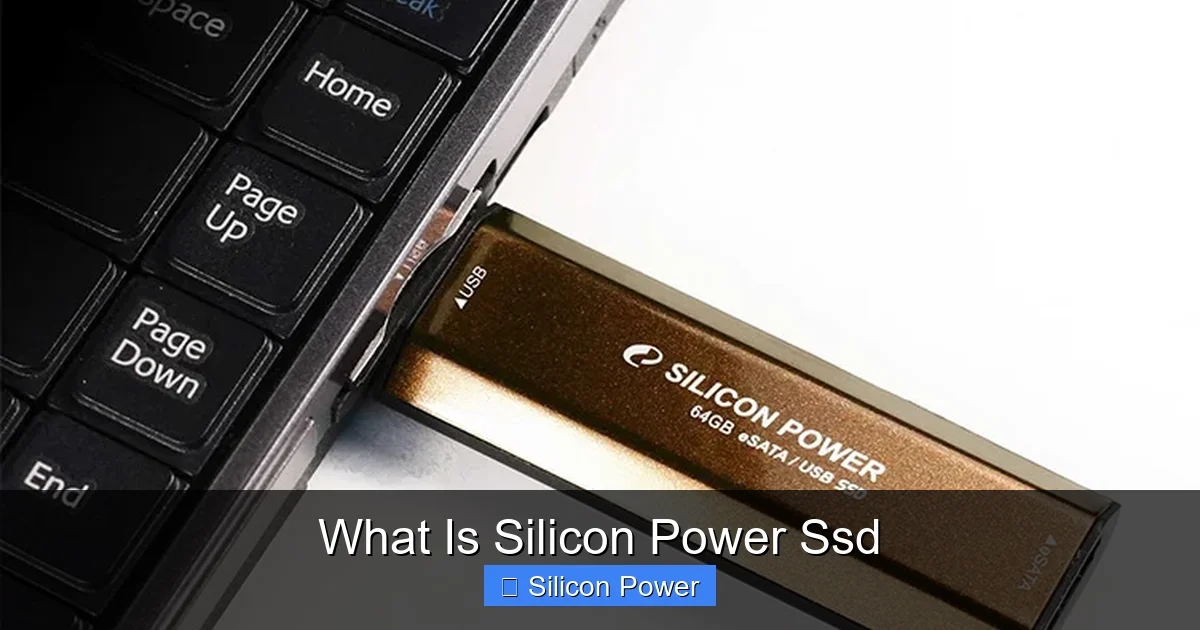
Visual guide about What Is Silicon Power Ssd
Image source: techpowerup.com
When it comes to performance, Silicon Power SSDs deliver solid results across the board. While they may not always match the peak speeds of flagship drives from brands like Samsung or WD Black, they offer excellent value for the price.
For example, the Silicon Power A55 SATA SSD offers read speeds up to 560 MB/s and write speeds up to 530 MB/s — right at the limit of the SATA III interface. That’s more than enough for everyday tasks like web browsing, office work, and media playback.
If you’re looking for faster performance, the Silicon Power P34A80 NVMe SSD is a great option. It uses the PCIe Gen3 x4 interface and delivers read speeds up to 3,400 MB/s and write speeds up to 3,000 MB/s. That’s nearly six times faster than a typical SATA SSD, making it ideal for gamers and content creators.
Real-World Performance Examples
Let’s look at how these speeds translate into real-world use:
- Booting your computer: With a Silicon Power SSD, Windows or macOS can boot in under 10 seconds — compared to 30 seconds or more on an HDD.
- Loading games: Games like Cyberpunk 2077 or Call of Duty load much faster, reducing wait times and improving immersion.
- File transfers: Copying a 10GB video file takes just 30 seconds on an NVMe SSD, versus over 3 minutes on an HDD.
- Multitasking: Opening multiple apps, browsers, and documents happens instantly, with no lag or freezing.
These improvements aren’t just about speed — they’re about efficiency. Faster storage means less waiting, more productivity, and a smoother overall experience.
Benchmark Comparisons
Independent benchmarks show that Silicon Power SSDs perform competitively within their class. For instance, in CrystalDiskMark tests, the P34A80 NVMe SSD consistently scores high in sequential read/write speeds, often outperforming similarly priced drives from other brands.
Even their SATA models, like the A60, score well above average in random read/write tests — important for everyday tasks like opening apps and loading files.
While they may not top the charts like premium drives, Silicon Power SSDs offer excellent performance for the price, making them a smart choice for most users.
Durability and Reliability: Built to Last
One of the biggest concerns with SSDs is longevity. After all, NAND flash memory has a limited number of write cycles. So, how does Silicon Power ensure their drives last?
The answer lies in advanced technologies like wear leveling, error correction, and over-provisioning.
Wear Leveling and Error Correction
Wear leveling ensures that data is written evenly across all memory cells. Without it, certain cells would wear out faster, shortening the drive’s lifespan. Silicon Power SSDs use dynamic and static wear leveling to maximize endurance.
Error correction codes (ECC) detect and fix data corruption in real time. This protects your files from becoming unreadable due to bit errors — a common issue as memory cells age.
MTBF and TBW Ratings
Silicon Power provides clear reliability metrics for their SSDs:
- MTBF (Mean Time Between Failures): Typically rated at 1.5 to 2 million hours, indicating high reliability.
- TBW (Terabytes Written): This tells you how much data can be written to the drive over its lifetime. For example, the P34A80 has a TBW of 640TB — enough for years of heavy use.
These ratings give users confidence that their data is safe and the drive will last.
Shock and Vibration Resistance
Because SSDs have no moving parts, they’re naturally more resistant to physical shock and vibration than HDDs. Silicon Power SSDs are designed to withstand drops, bumps, and temperature changes — making them ideal for laptops and portable use.
Compatibility and Installation: Easy Upgrades
One of the best things about Silicon Power SSDs is how easy they are to install. Whether you’re upgrading an old laptop or building a new PC, the process is straightforward.
System Compatibility
Silicon Power SSDs are compatible with a wide range of systems:
- Windows PCs: Works with Windows 10, 11, and earlier versions.
- Macs: Compatible with macOS (may require formatting to APFS or HFS+).
- Linux: Fully supported on most distributions.
- Gaming Consoles: Some models work with PlayStation 5 (check compatibility for NVMe drives).
Always check your device’s specifications before purchasing to ensure compatibility.
Installation Tips
Here’s a quick guide to installing a Silicon Power SSD:
- Back up your data: Always back up important files before making changes to your storage.
- Choose the right form factor: Make sure the SSD matches your system’s slot (2.5-inch, M.2, etc.).
- Use cloning software: Tools like Acronis True Image or Macrium Reflect can clone your old drive to the new SSD, preserving your OS and files.
- Install the SSD: For 2.5-inch drives, mount in the drive bay and connect SATA and power cables. For M.2, insert into the slot and secure with a screw.
- Initialize and format: Use Disk Management (Windows) or Disk Utility (Mac) to format the drive.
Most users can complete the installation in under 30 minutes.
Cloning vs. Fresh Install
You have two options when upgrading:
- Cloning: Copies everything from your old drive to the new SSD. Quick and easy, but may carry over bloatware or errors.
- Fresh install: Install the OS and apps from scratch. Cleaner and often faster, but takes more time.
For most users, cloning is the best balance of speed and convenience.
Use Cases: Who Should Use Silicon Power SSDs?
Silicon Power SSDs are versatile and suitable for a wide range of users.
Everyday Users and Students
If you use your computer for web browsing, email, streaming, and office work, a Silicon Power SATA SSD is a perfect upgrade. It’ll make your system feel new again — faster boot times, quicker app launches, and smoother multitasking.
Students will appreciate the reliability and low power consumption, which helps extend laptop battery life.
Gamers
Gamers benefit from faster load times and reduced in-game stuttering. The P34A80 NVMe SSD, in particular, is a great choice for gaming PCs, offering high speeds and low latency.
Even console gamers can benefit — some Silicon Power NVMe drives are compatible with the PlayStation 5’s expansion slot.
Content Creators and Professionals
Video editors, graphic designers, and developers need fast storage to handle large files. While professionals may prefer enterprise-grade drives, Silicon Power SSDs offer a cost-effective solution for freelancers and small studios.
The high sequential speeds of NVMe models make them ideal for 4K video editing and 3D rendering.
Small Businesses
Small businesses can use Silicon Power SSDs to upgrade office computers, point-of-sale systems, or servers. The drives’ reliability and low cost make them a smart investment for improving productivity.
Price and Value: Why Silicon Power Stands Out
One of the biggest reasons people choose Silicon Power SSDs is value. They offer performance and features that rival more expensive brands — often at a lower price.
For example, a 1TB Silicon Power A60 SATA SSD typically costs around $60–$70, while similar drives from Samsung or Crucial may cost $80–$100. The NVMe P34A80 1TB model is often priced under $90, compared to $120+ for premium alternatives.
Cost Per Gigabyte
When comparing SSDs, it’s helpful to look at cost per gigabyte. Silicon Power consistently offers some of the best ratios in the market. For instance:
- 500GB SATA SSD: ~$0.12/GB
- 1TB NVMe SSD: ~$0.09/GB
This makes them an excellent choice for users who need large storage capacities without overspending.
Warranty and Support
Silicon Power backs their SSDs with a limited warranty — usually 3 to 5 years, depending on the model. This shows confidence in their product’s durability.
Customer support is available via email and phone, and the company provides firmware updates and troubleshooting guides on their website.
Conclusion: Is a Silicon Power SSD Right for You?
So, what is Silicon Power SSD? It’s a reliable, high-performance storage solution that delivers excellent value for money. Whether you’re upgrading an old laptop, building a gaming PC, or just want faster everyday performance, Silicon Power has an SSD that fits your needs.
They may not have the flashiest marketing or the absolute top-tier speeds, but they offer a smart balance of performance, durability, and affordability. With strong compatibility, easy installation, and solid warranty support, they’re a great choice for almost any user.
If you’re looking to breathe new life into your computer without spending a fortune, a Silicon Power SSD is definitely worth considering. It’s a small upgrade that makes a big difference.
Frequently Asked Questions
Are Silicon Power SSDs compatible with Mac?
Yes, Silicon Power SSDs work with Macs, but you may need to format the drive to APFS or HFS+ using Disk Utility before use.
Can I use a Silicon Power SSD in a PlayStation 5?
Some NVMe models, like the P34A80, are compatible with PS5, but you must check the drive’s specs to ensure it meets Sony’s requirements for speed and size.
Do Silicon Power SSDs come with cloning software?
Some models include a license for Acronis True Image, but not all. You can also use free tools like Macrium Reflect or Samsung Data Migration.
What’s the difference between SATA and NVMe Silicon Power SSDs?
SATA SSDs are slower but more affordable and widely compatible. NVMe SSDs use the faster PCIe interface and are better for gaming and professional work.
How do I check the health of my Silicon Power SSD?
Use tools like CrystalDiskInfo (Windows) or DriveDx (Mac) to monitor SSD health, temperature, and remaining lifespan.
Can I recover data from a failed Silicon Power SSD?
Data recovery is possible in some cases, but not guaranteed. It’s best to back up regularly. Professional recovery services may help if the drive fails.