

Solid-state drives (SSDs) have revolutionized how we store and access data. Gone are the days of noisy, slow-spinning hard disk drives (HDDs) dominating our computers. Today, SSDs offer faster boot times, quicker file transfers, and a more responsive computing experience. But as their popularity soars, a critical question emerges for anyone considering a long-term investment in digital storage: Is an SSD truly the best choice for long-term data preservation?
This comprehensive guide is designed to cut through the marketing hype and technical jargon. We’ll delve deep into the world of SSDs, examining their strengths and weaknesses, especially when it comes to storing your precious photos, important documents, and critical business files for years to come. Whether you’re a casual user backing up family memories, a creative professional archiving large project files, or a business owner securing vital records, understanding the nuances of SSD technology is paramount. By the end of this guide, you’ll have a clear, expert-level understanding of what makes an SSD suitable (or unsuitable) for long-term storage, empowering you to make a confident and informed purchasing decision that aligns perfectly with your specific needs and budget.
The SSD market in 2026 is a dynamic and rapidly evolving landscape. From the ultra-fast NVMe drives that leverage the PCIe 5.0 interface to the more budget-friendly SATA SSDs, the options are vast and varied. New form factors like M.2 and U.2 are becoming standard, while technologies such as 3D NAND and QLC (Quad-Level Cell) memory are pushing the boundaries of capacity and cost-effectiveness. This proliferation of choices can be overwhelming, making it difficult to discern which drive offers the best blend of performance, reliability, and longevity. This guide will serve as your definitive roadmap, navigating you through the complexities of controller chips, NAND types, endurance ratings, and data retention capabilities. We’ll equip you with the knowledge to evaluate not just the speed of an SSD, but its true potential to safeguard your data for the long haul, ensuring your investment today remains a reliable asset for years to come.
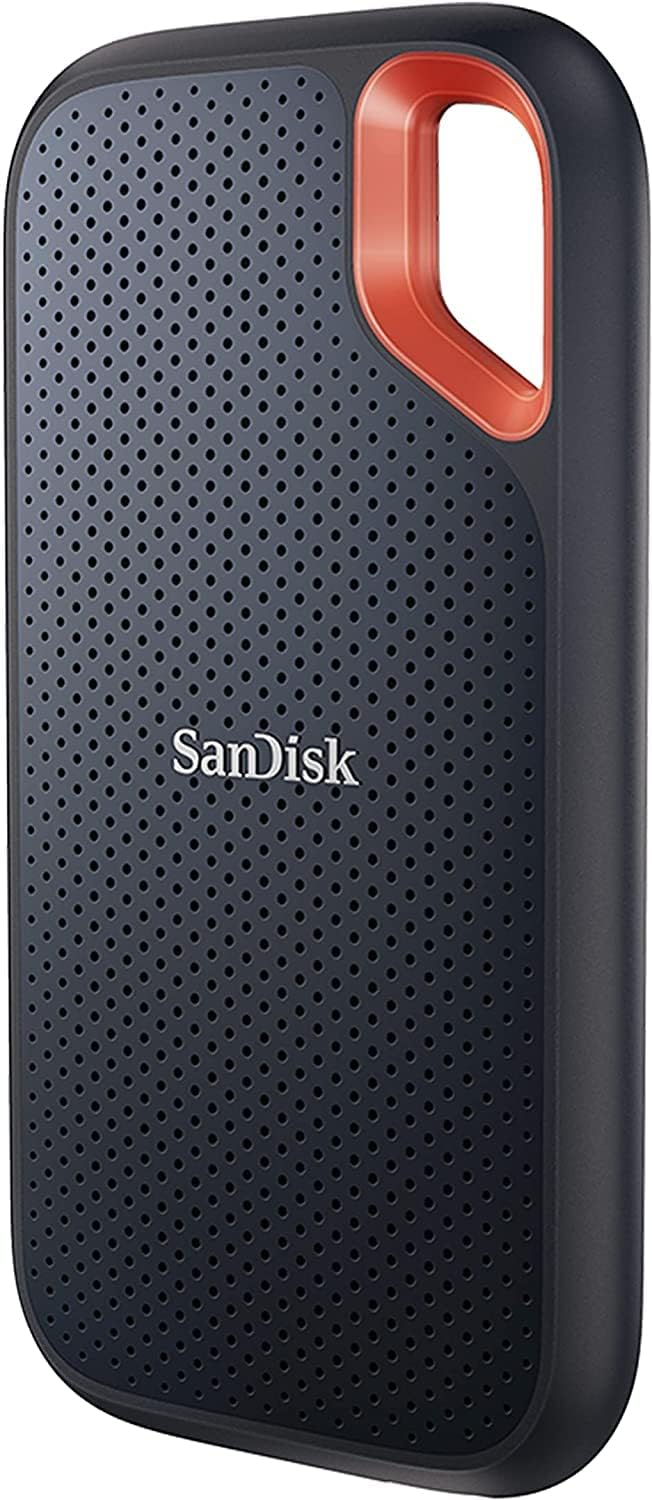
What to Look for When Buying Buying Guide
1. NAND Flash Type and Its Impact on Longevity
The heart of any SSD is its NAND flash memory, and the type of NAND used directly influences its performance, endurance, and, crucially, its long-term data retention capabilities. Understanding the different types is fundamental to making an informed decision.
- SLC (Single-Level Cell): This is the most robust and reliable type, storing one bit of data per memory cell. It offers the highest endurance, fastest write speeds, and longest data retention, often exceeding 10 years. However, it’s also the most expensive per gigabyte, making it primarily suitable for enterprise and industrial applications rather than consumer long-term storage.
- MLC (Multi-Level Cell): Storing two bits per cell, MLC provides a good balance between cost, performance, and endurance. It’s more durable than TLC and QLC, with data retention typically ranging from 5 to 10 years under ideal conditions. While less common in consumer drives now, it’s still a solid choice for those prioritizing longevity.
- TLC (Triple-Level Cell): This is the most prevalent type in consumer SSDs today, storing three bits per cell. It offers a good compromise between cost and performance. For long-term storage, TLC drives can retain data for 2-5 years if stored properly, but their lower endurance means they’re better suited for read-heavy archival tasks rather than frequent writes.
- QLC (Quad-Level Cell): The newest and most cost-effective type, QLC stores four bits per cell. While it allows for very high capacities at low prices, it has the lowest endurance and shortest data retention, often cited as 1-3 years. QLC is generally not recommended for critical long-term archival storage due to its higher susceptibility to data degradation over time.
For long-term storage, prioritize drives with MLC or high-quality TLC NAND. While SLC is ideal, its cost is prohibitive for most users. When evaluating an SSD, look for specifications that mention the NAND type, as this is a primary indicator of its potential lifespan and reliability.
2. Data Retention Specifications and Environmental Factors
Data retention refers to how long an SSD can reliably store data without power before it begins to degrade. This is arguably the most critical factor for long-term storage. SSD manufacturers typically specify data retention periods, often around 1 year at 30°C (86°F) for consumer drives, but this can vary significantly based on the NAND type and drive quality.
Environmental conditions play a massive role in data retention. Higher temperatures accelerate the degradation of charge within the NAND cells, drastically shortening the lifespan of stored data. For optimal long-term storage, SSDs should be kept in a cool, dry environment, ideally below 25°C (77°F) and with low humidity. Avoid storing SSDs in attics, garages, or other areas prone to temperature fluctuations and moisture.
It’s also important to consider the “retention cliff.” This is the point at which the probability of data loss increases dramatically. While an SSD might be rated for 1-year retention, the risk doesn’t suddenly appear on day 366. Instead, it gradually increases. For truly critical data intended for decades-long storage, SSDs are generally not the best primary medium. However, for intermediate-term backups (5-10 years), a high-quality SSD stored correctly can be a viable option. Always check the manufacturer’s specifications for explicit data retention ratings and any recommendations for storage conditions.
3. Write Endurance and TBW (Terabytes Written)
While often associated with drive lifespan under active use, write endurance, measured in Terabytes Written (TBW), is also relevant for long-term storage scenarios, especially if the drive will be periodically accessed or updated. TBW indicates the total amount of data that can be written to the drive over its lifetime before it’s likely to fail.
A higher TBW rating generally signifies a more robust drive with higher-quality components and potentially more over-provisioning (extra NAND cells used for wear leveling and spare capacity). For a drive intended solely for long-term archival storage with minimal writes, a very high TBW might be less critical than for a drive used in a server. However, a decent TBW rating (e.g., 300 TBW for a 1TB drive or higher) suggests a drive built with longevity in mind, which often correlates with better overall build quality and data integrity features.
For long-term storage, you’re less concerned with the total terabytes you’ll write over the drive’s life and more with its ability to retain data without power. However, a drive with a solid TBW rating often indicates a manufacturer’s confidence in its durability, which can indirectly contribute to better data retention characteristics. Always look for the TBW specification in the drive’s datasheet, as it provides a tangible metric for comparing the robustness of different SSDs.
4. Controller Quality and Firmware Features
The SSD controller is the brain of the drive, managing data flow, wear leveling, error correction, and garbage collection. A high-quality controller is essential for maintaining data integrity and ensuring consistent performance over the long term. Controllers from reputable manufacturers like Phison, Silicon Motion, and Marvell are generally preferred.
Advanced firmware features are crucial for long-term data health. Look for drives that implement robust Error Correction Code (ECC) algorithms, which can detect and correct data errors that naturally occur over time. Features like “Power Loss Protection” (PLP) are less critical for pure archival storage but indicate a higher level of engineering. More importantly, some enterprise-grade or prosumer SSDs offer features like “Data Refresh” or “Retention Refresh,” which periodically read and rewrite data to prevent charge leakage and maintain data integrity during long-term storage. While rare in consumer drives, these features are a significant advantage for long-term archival.
When researching an SSD, delve into reviews and technical specifications to understand the controller model and any unique firmware capabilities. A drive with a strong controller and intelligent firmware is more likely to safeguard your data effectively over extended periods, even when powered off.
5. Form Factor and Interface Compatibility
The physical form factor and interface of an SSD determine how it connects to your system and its potential speed, but for long-term storage, compatibility and future-proofing are key considerations. The most common form factors are 2.5-inch (typically using SATA III interface) and M.2 (which can use SATA or NVMe over PCIe).
For long-term storage, a 2.5-inch SATA SSD offers broad compatibility with older systems and external enclosures, making it easy to access your data years later, even if your primary computer changes. M.2 NVMe drives offer significantly faster speeds but require a compatible motherboard. While NVMe is becoming standard, if you’re archiving data for decades, ensuring future systems can still read an M.2 NVMe drive might be a concern, although adapters are usually available.
The interface also impacts power consumption and heat generation. SATA SSDs generally consume less power and run cooler than NVMe drives, which can be beneficial for long-term storage in enclosed spaces. Consider your current system’s compatibility and think about how you might access this data in 5, 10, or 20 years. Choosing a widely adopted form factor and interface increases the likelihood that your SSD will remain accessible for the long haul.
6. Brand Reputation and Reliability Track Record
Not all SSD manufacturers are created equal. Choosing a reputable brand with a proven track record of reliability and quality control is a significant factor in ensuring your long-term storage investment pays off. Brands like Samsung, Crucial (Micron), Western Digital, Kingston, and SK Hynix have consistently demonstrated strong performance and durability in independent testing and user reviews.
A reputable brand often invests more in rigorous testing, high-quality components, and robust firmware development. They are also more likely to provide comprehensive warranties and responsive customer support. While lesser-known brands might offer tempting prices, they may cut corners on NAND quality, controller selection, or firmware, potentially compromising the long-term integrity of your stored data.
Research brand reputation by reading professional reviews, checking user forums for common failure reports, and looking at long-term reliability studies. A drive from a trusted manufacturer might cost a bit more upfront, but it offers greater peace of mind that your data will remain safe and accessible for years to come, reducing the risk of unexpected failures that could lead to data loss.
7. Warranty Length and Manufacturer Support
The warranty period offered by the manufacturer is a direct reflection of their confidence in the product’s longevity. For long-term storage, a longer warranty is generally preferable. Most consumer SSDs come with warranties ranging from 3 to 5 years, while some premium or enterprise models offer 5 years or more.
A longer warranty often correlates with higher-quality components and more rigorous manufacturing processes. It also provides a safety net; if the drive fails due to a manufacturing defect within the warranty period, you can typically get a replacement. However, it’s crucial to understand that warranties usually cover hardware failure, not data loss itself. The process of claiming a warranty often requires returning the faulty drive, which means your data will be lost unless you have a separate backup.
Beyond the warranty length, consider the quality of the manufacturer’s support. Do they offer easy online RMA (Return Merchandise Authorization) processes? Is their customer service responsive and helpful? Good support can make a significant difference if you encounter any issues with your SSD down the line. For long-term storage, a robust warranty and reliable support are essential components of your overall data protection strategy.
8. Price per Gigabyte and Total Cost of Ownership
While the initial purchase price is a factor, for long-term storage, the “total cost of ownership” is a more relevant metric. This includes not just the upfront cost but also the potential costs of data recovery, replacement drives, and the value of the data itself.
SSDs generally have a higher price per gigabyte than HDDs, especially for high-capacity models. However, their superior speed, durability (no moving parts), and lower power consumption can offset this over time. For long-term storage, the reliability and data integrity offered by a high-quality SSD might justify a higher initial investment compared to a cheaper, less reliable drive that could fail and cause data loss.
Consider the value of the data you’re storing. If it’s irreplaceable (e.g., family photos, critical business documents), spending more on a reliable SSD from a reputable brand is a wise investment. Calculate the price per gigabyte to compare different capacity options, but always weigh this against the other factors like NAND type, warranty, and brand reputation. A slightly higher price for a more robust drive can save you significant headaches and potential data loss expenses in the long run.
Different Types of Buying Guide
Common Buying Mistakes to Avoid

❌ Mistake: Prioritizing Speed Over Longevity for Archival Storage
Why it’s bad: Many buyers are seduced by NVMe’s blazing speeds, but for pure long-term archival storage, raw speed is often irrelevant. The focus should be on data retention, NAND quality, and reliability. An ultra-fast NVMe drive with QLC NAND might be cheaper per GB but could lose data faster than a slower SATA drive with high-quality TLC or MLC NAND when stored without power.
What to do instead: For data you intend to store for years without frequent access, prioritize drives with better NAND types (TLC/MLC) and strong data retention specs, even if they are SATA. Speed is a bonus, not a necessity, for true archival purposes. Consider the drive’s purpose: is it for active use or long-term cold storage?
❌ Mistake: Ignoring the NAND Flash Type
Why it’s bad: Assuming all SSDs use the same type of memory is a critical error. QLC NAND, while cheap, has significantly lower endurance and shorter data retention compared to TLC or MLC. Buying a high-capacity QLC drive for critical long-term backups is a gamble with your data’s future.
What to do instead: Always research and identify the NAND type used in any SSD you consider for long-term storage. Look for specifications or reputable reviews that confirm it. If the NAND type isn’t clearly stated, it’s often a red flag, potentially indicating the use of lower-quality or unspecified memory. Opt for TLC or MLC for better longevity.
❌ Mistake: Overlooking Data Retention Specifications
Why it’s bad: SSDs require power to maintain data integrity. Without it, the electrical charge in the NAND cells slowly leaks away, leading to data corruption or loss. Ignoring the manufacturer’s stated data retention period (e.g., 1 year at 30°C) means you might be storing data on a drive that becomes unreliable much sooner than expected.
What to do instead: Explicitly check the SSD’s datasheet or product page for “Data Retention” specifications. Understand that this period is highly dependent on storage temperature. For long-term archival, consider drives with longer retention ratings and always store them in a cool, dry environment. For data needing decades of retention, SSDs might not be the best primary medium.
❌ Mistake: Buying Based Solely on Price per Gigabyte
Why it’s bad: While cost is a factor, the cheapest SSD per gigabyte often uses the lowest-quality components, such as QLC NAND or inferior controllers. This can lead to premature failure, data loss, and ultimately a higher total cost of ownership when you factor in potential data recovery expenses or the need for frequent replacements.
What to do instead: Balance price with other critical factors like NAND type, brand reputation, warranty length, and TBW. A slightly more expensive drive from a reputable brand with better components will likely provide more reliable long-term storage and greater peace of mind, protecting your valuable data investment.
❌ Mistake: Neglecting Environmental Storage Conditions
Why it’s bad: Even the best SSD will degrade faster if stored in hot, humid, or fluctuating environments. Heat accelerates charge leakage in NAND cells, drastically shortening data retention. Humidity can cause corrosion on the drive’s circuitry over time.
What to do instead: Store your SSDs in a cool, dry place with stable temperatures, ideally below 25°C (77°F). Avoid attics, garages, or damp basements. Use anti-static bags for additional protection against static discharge and moisture. Consider climate-controlled storage for extremely valuable or irreplaceable data.
❌ Mistake: Assuming SSDs are Immune to Failure
Why it’s bad: While SSDs have no moving parts and are more resistant to physical shock than HDDs, they are not invincible. They can fail due to controller issues, NAND degradation, firmware bugs, or simply wear out over time. Relying on a single SSD as your only copy of important data is a recipe for disaster.
What to do instead: Always follow the 3-2-1 backup rule: have at least 3 copies of your data, on 2 different media types, with 1 copy stored offsite. Use SSDs as part of a broader backup strategy, not as the sole repository. Regularly verify the integrity of your backups and consider refreshing data on long-term storage drives periodically.
❌ Mistake: Not Checking Warranty and Support Policies
Why it’s bad: A short warranty or poor customer support can leave you stranded if your SSD fails. Some manufacturers have complex RMA processes or limited coverage, making it difficult to get a replacement. This is especially problematic for long-term storage where you might not discover a failure until years later.
What to do instead: Before purchasing, review the manufacturer’s warranty terms, including its length and what it covers. Research their customer support reputation. A longer warranty often indicates higher confidence in the product’s durability, and good support can be invaluable if issues arise.
Budget Guidelines: How Much Should You Spend?
- Entry-Level ($0.06 – $0.10 per GB): This tier typically features QLC NAND or lower-binned TLC NAND. Drives here prioritize capacity and low cost over ultimate endurance or long-term data retention. They are suitable for secondary storage, less critical backups, or temporary archives where data loss is less catastrophic. Expect shorter warranties (3 years) and potentially lower TBW ratings. For long-term storage of non-critical data, they can be an option, but understand the risks associated with QLC’s lower retention.
- Mid-Range ($0.10 – $0.15 per GB): This is the sweet spot for most buyers seeking reliable long-term storage. Drives in this range usually utilize high-quality TLC NAND from reputable manufacturers, offer decent TBW ratings, and come with 5-year warranties. They provide a good balance of cost, capacity, and longevity. SATA SSDs often fall here, as do many NVMe drives using TLC. This tier is ideal for storing important personal files, project archives, or business documents where data integrity is paramount but extreme performance isn’t required.
- Premium ($0.15 – $0.25+ per GB): This category includes SSDs with MLC NAND (less common now), high-end TLC with advanced controllers, or NVMe drives with PCIe 4.0/5.0 interfaces. They boast very high TBW ratings, robust firmware with enhanced error correction, and often longer warranties (5+ years). These drives are built for demanding workloads and offer superior data integrity and longevity. They are excellent for professionals, enthusiasts, or anyone storing highly valuable or irreplaceable data for extended periods.
- Luxury ($0.25+ per GB): This tier encompasses enterprise-grade or prosumer SSDs designed for mission-critical applications. They feature the highest-quality components, advanced data protection features (like Power Loss Protection and Data Refresh), and extremely high endurance. While overkill for most consumers, they represent the pinnacle of SSD reliability and are the best choice for storing data that must remain intact for decades, such as legal archives, scientific data, or critical business records. The cost reflects their uncompromising build quality and feature set.

Expert Tips for Getting the Best Deal
- Monitor Seasonal Sales: Major shopping events like Black Friday, Cyber Monday, Amazon Prime Day, and back-to-school periods often feature significant discounts on SSDs. Planning your purchase around these times can save you a substantial amount. Sign up for newsletters from reputable retailers to get advance notice of deals.
- Compare Prices Across Multiple Retailers: Don’t settle for the first price you see. Use price comparison websites or manually check major online retailers (Amazon, Newegg, Best Buy, B&H Photo) and direct from manufacturers (Samsung, Crucial). Prices can fluctuate, and a few minutes of comparison can lead to significant savings.
- Consider Refurbished or Open-Box Options: Reputable retailers often sell certified refurbished or open-box SSDs at a discount. These drives are typically tested and come with a warranty, offering a way to get higher-end models at a lower price. Ensure the warranty is valid and the seller is trustworthy.
- Look for Bundled Deals: Sometimes, SSDs are bundled with other products like external enclosures, USB cables, or software. While not always the cheapest per drive, these bundles can offer good value if you need the accessories, saving you from buying them separately.
- Read Professional and User Reviews: Before committing to a purchase, thoroughly research the specific SSD model. Look for in-depth reviews from trusted tech websites that test performance, endurance, and reliability. User reviews on retail sites can also highlight common issues or long-term experiences that professional reviews might miss.
- Check for Manufacturer Rebates: Some manufacturers offer mail-in rebates or instant discounts on their websites. These can further reduce the final price, but be sure to follow the rebate instructions carefully to ensure you receive your discount.
- Understand Return Policies: Before buying, familiarize yourself with the retailer’s and manufacturer’s return policies. Ensure you have a reasonable window to test the drive and return it if it’s defective or doesn’t meet your expectations. This is especially important for online purchases.
- Don’t Forget About Data Migration Software: Many reputable SSD manufacturers (like Samsung, Crucial, WD) provide free data migration software with their drives. This can simplify the process of transferring your operating system and files from an old drive to the new SSD, saving you time and effort.
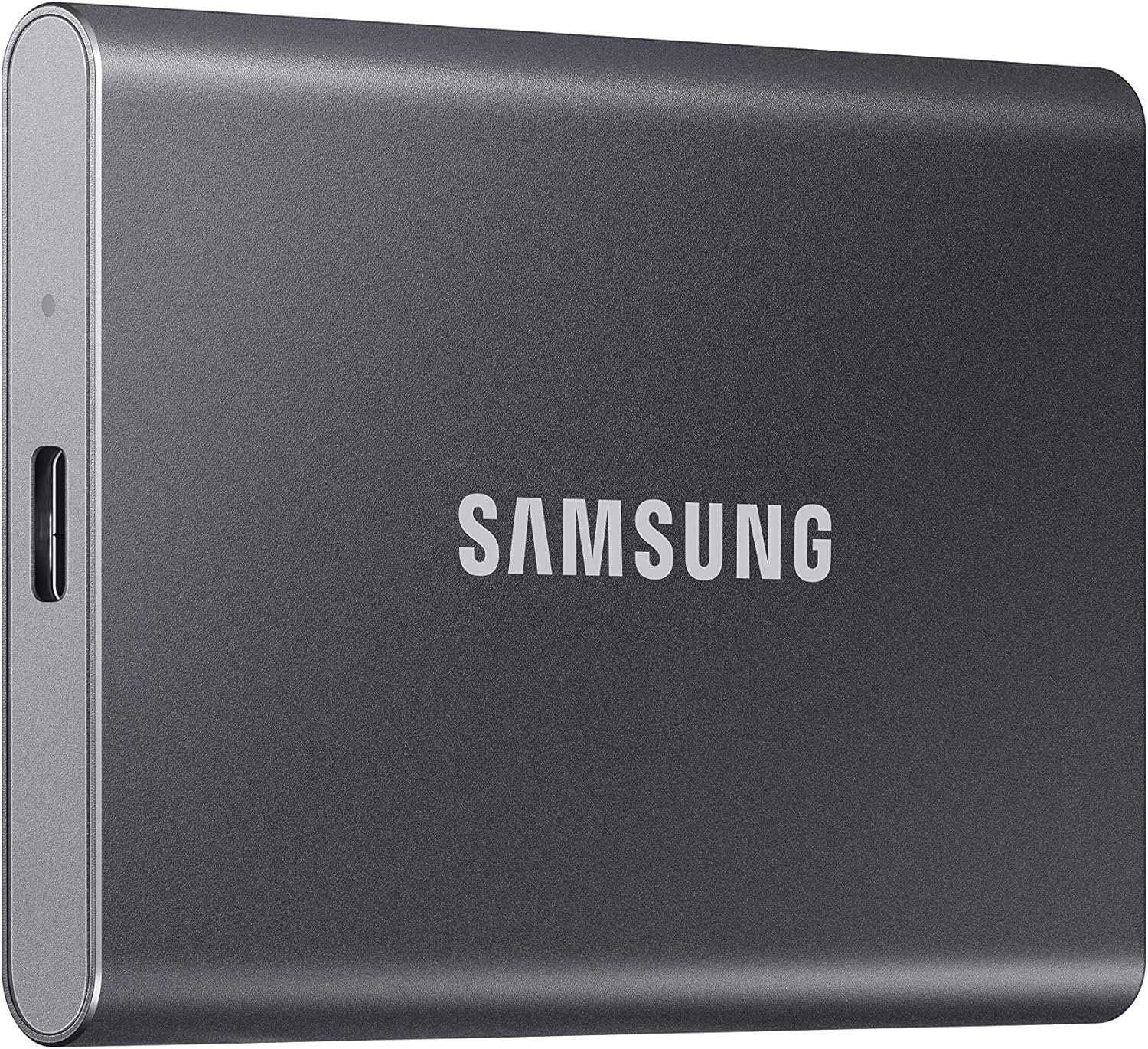
Frequently Asked Questions
Q: How long can an SSD store data without power?
A: This is highly dependent on the NAND type, storage temperature, and the drive’s age. Consumer SSDs with TLC NAND are typically rated for 1-2 years at 30°C (86°F). MLC can be 5-10 years, and SLC even longer. Higher temperatures drastically reduce retention. For critical data intended for decades, SSDs are generally not the best primary archival medium; consider tape or optical media for true long-term cold storage.
Q: Is it better to use an SSD or HDD for long-term storage?
A: It depends on the definition of “long-term.” For 5-10 years, a high-quality SSD stored properly can be excellent due to no moving parts and resistance to physical shock. However, for true decades-long archival (20+ years), traditional HDDs or specialized archival media (like M-DISC or LTO tape) are often considered more reliable because they don’t suffer from charge leakage like NAND flash. SSDs are great for intermediate-term, accessible backups, but not ultimate cold storage.
Q: Do SSDs degrade over time even when not used?
A: Yes, SSDs degrade over time even when powered off. This is due to a phenomenon called “charge leakage” in the NAND flash memory cells. The electrical charge that represents your data slowly dissipates, leading to potential data corruption or loss. This is why data retention specifications are so crucial for long-term storage considerations.
Q: What is the best way to store an SSD for long-term archival purposes?
A: Store SSDs in a cool, dry environment with stable temperatures, ideally below 25°C (77°F). Avoid humidity, extreme heat, and direct sunlight. Use anti-static bags for additional protection. For very long-term storage, consider periodically powering on the drive (e.g., once a year) and rewriting the data to refresh the charge in the NAND cells, although this is more common practice with enterprise drives featuring “Data Refresh” features.
Q: Can I recover data from a failed SSD used for long-term storage?
A: Data recovery from SSDs is often more complex and expensive than from HDDs due to wear leveling and TRIM commands that can make data remnants harder to find. Success depends on the nature of the failure (controller, NAND, firmware). It’s generally possible if the NAND chips are intact, but professional recovery services can be costly. This underscores the importance of having multiple backups.
Q: Are external SSDs good for long-term storage?
A: External SSDs can be convenient for portable backups and offer the same core SSD advantages (speed, durability). However, the external enclosure’s quality and the connection interface (USB) can be points of failure over very long periods. For dedicated long-term archival, an internal SSD or a bare SSD stored properly might be slightly more reliable, but a high-quality external SSD is still a viable option for intermediate-term storage.
Q: How do I know if my SSD is failing?
A: Signs of SSD failure can include: frequent file system errors, corrupted files, slow performance, the drive becoming undetectable by the system, or SMART (Self-Monitoring, Analysis, and Reporting Technology) errors reported by your operating system or diagnostic software. Regularly monitoring your drive’s SMART status can provide early warnings.
Q: Is it safe to leave an SSD plugged in all the time for storage?
A: Yes, it’s generally safe to leave an SSD plugged in. Modern SSDs are designed for continuous operation. However, for true “cold” long-term storage where the data won’t be accessed for years, it’s often recommended to power it down and store it properly to minimize any background processes and maximize data retention by reducing temperature fluctuations from being powered.
Q: What is TBW, and why does it matter for long-term storage?
A: TBW stands for Terabytes Written. It’s a measure of an SSD’s write endurance, indicating the total amount of data that can be written to the drive over its lifetime before it’s likely to fail. While less critical for a drive that will be written to infrequently during long-term storage, a higher TBW often indicates a more robust drive with higher-quality components, which can indirectly correlate with better overall build quality and potentially better data retention characteristics.
Q: Should I enable TRIM on an SSD used for long-term storage?
A: TRIM is beneficial for SSDs in active use as it helps maintain performance by informing the drive which blocks of data are no longer in use. For a drive dedicated to long-term archival storage that won’t be frequently written to or deleted from, enabling TRIM is less critical. However, it generally doesn’t hurt and can still be beneficial if you occasionally add or remove files.
Our Final Recommendations
- Best for Budget-Conscious Buyers (Long-Term Storage Focus): Crucial MX500 (SATA) or BX500 (if MX500 unavailable). These drives offer excellent value with reliable TLC NAND, decent TBW ratings, and Crucial’s reputable build quality. They provide a solid foundation for long-term storage without breaking the bank, especially if you prioritize SATA compatibility. Look for the MX500 for better features like hardware encryption.
- Best Overall Value (Balancing Performance & Longevity): Samsung 870 EVO (SATA) or Samsung 980 PRO (NVMe). The 870 EVO is a legendary SATA drive known for its exceptional reliability, high-quality TLC NAND, and strong data retention. The 980 PRO offers top-tier NVMe performance with Samsung’s proven reliability, making it ideal if you need speed alongside long-term storage capabilities. Both represent the gold standard for their respective interfaces.
- Best Premium Option (Maximum Longevity & Reliability): Samsung 990 PRO (NVMe) or WD Black SN850X (NVMe). These are flagship NVMe drives designed for enthusiasts and professionals. They feature high-end controllers, top-tier TLC NAND, very high TBW ratings, and robust firmware. They offer the best combination of speed, endurance, and data integrity for those who demand the absolute best for their long-term storage needs, especially for frequently accessed archives.
- Best for Beginners (Ease of Use & Reliability): Kingston KC3000 (NVMe) or Samsung 870 QVO (SATA – if budget is very tight but understand QLC limitations). The KC3000 offers a great plug-and-play NVMe experience with reliable performance and Kingston’s solid reputation. For absolute beginners on a tight budget who understand the trade-offs, the 870 QVO offers huge capacities at a low price, but remember its QLC NAND means it’s less ideal for critical long-term archival compared to TLC options.
- Best for Advanced Users/Professionals (Enterprise-Grade Features): Samsung PM9A3 or WD Ultrastar DC SN650 (Enterprise NVMe/U.2). These drives are built for data centers and mission-critical applications. They offer unparalleled endurance, advanced data protection features (like Power Loss Protection and enhanced ECC), and extremely long warranties. They are the ultimate choice for storing highly sensitive or irreplaceable data for extended periods, where cost is secondary to absolute reliability. (Note: These are typically purchased through enterprise channels).
Conclusion: Making the Right Choice
Choosing the right SSD for long-term storage is a nuanced decision that extends far beyond simply picking the fastest or cheapest drive. It requires a careful evaluation of your specific needs, the criticality of your data, and a deep understanding of the technology’s inherent characteristics. We’ve explored the pivotal role of NAND flash types, emphasizing that TLC and MLC offer a far more reliable foundation for data retention than QLC, especially when stored without power. The importance of environmental conditions cannot be overstated; a cool, dry, and stable environment is as crucial to an SSD’s longevity as the quality of its internal components.
Furthermore, we’ve highlighted that while SSDs offer significant advantages over traditional HDDs—such as superior speed, silent operation, and resistance to physical shock—they are not without their limitations for true decades-long archival. The phenomenon of charge leakage means that even the best SSDs have a finite data retention period when unpowered. For mission-critical data intended for preservation over many decades, alternative media like LTO tape or specialized optical discs might be more appropriate. However, for intermediate-term storage ranging from 5 to 10 years, a high-quality SSD, particularly one utilizing robust TLC or MLC NAND and stored correctly, can be an excellent and highly reliable solution. Remember to always adhere to the 3-2-1 backup rule, ensuring your valuable data is never reliant on a single storage device.
Ultimately, the “best” SSD for long-term storage is the one that best aligns with your unique circumstances. Prioritize your needs: Is absolute data integrity for decades your primary concern, or are you looking for a reliable, fast, and durable solution for intermediate-term backups? Factor in your budget, the type of data you’re storing, and your technical comfort level. By arming yourself with the knowledge from this guide—understanding NAND types, data retention, environmental impacts, and the importance of reputable brands and warranties—you are now equipped to make a confident and informed decision. Don’t rush the process; take the time to research specific models, read reviews, and consider the total cost of ownership. Your data is an invaluable asset, and investing in the right SSD today is an investment in its security and accessibility for years to come.