

When it comes to storing and managing large volumes of files—especially in enterprise environments, media production studios, or data-intensive applications—choosing the right storage solution isn’t just a technical decision; it’s a strategic one. Among the many options available today, Solid State Drives (SSDs) have emerged as a dominant force, particularly when paired with Microsoft SQL Server’s FileStream feature. But is an SSD truly the best choice for FileStream? That’s the central question this comprehensive buying guide aims to answer.
FileStream, a feature introduced in SQL Server 2008, allows unstructured data like documents, images, videos, and other binary large objects (BLOBs) to be stored directly on the file system while maintaining transactional consistency with the database. This hybrid approach combines the performance benefits of file system access with the reliability and security of database transactions. However, the efficiency of FileStream heavily depends on the underlying storage medium. Traditional Hard Disk Drives (HDDs) struggle with the random read/write patterns typical of FileStream operations, leading to latency, slower backups, and reduced overall system responsiveness. In contrast, SSDs offer dramatically faster access times, higher throughput, and superior reliability—making them a compelling upgrade path for organizations serious about performance and scalability.
In this expert-level buying guide, you’ll learn everything you need to know about selecting the ideal SSD for FileStream workloads in 2026. We’ll break down the critical factors that influence performance and compatibility, compare different SSD types and form factors, highlight common pitfalls to avoid, and provide actionable budgeting and purchasing advice. Whether you’re a database administrator, IT manager, or system architect, this guide will equip you with the knowledge to make a confident, informed decision. The market for enterprise-grade SSDs continues to evolve rapidly, with new technologies like NVMe over Fabrics (NVMe-oF), QLC NAND, and advanced power-loss protection becoming more accessible. By understanding how these innovations impact FileStream performance, you can future-proof your infrastructure while maximizing ROI.

What to Look for When Buying Buying Guide
1. Performance Specifications
Performance is arguably the most critical factor when selecting an SSD for FileStream. Unlike traditional database workloads that focus primarily on sequential operations, FileStream involves frequent random reads and writes—especially when users access or upload files through applications. This means your SSD must excel at low-latency, high-IOPS (Input/Output Operations Per Second) tasks. Look for drives with sustained random read/write speeds of at least 50,000 IOPS for 4KB blocks, though enterprise models often deliver 100,000+ IOPS. Sequential performance matters too, particularly during bulk imports or exports, so aim for read/write speeds above 500 MB/s for SATA SSDs and 3,000 MB/s or higher for NVMe drives.
Latency is another key metric. FileStream operations are highly sensitive to delays—even milliseconds can compound across thousands of transactions. Enterprise SSDs typically advertise sub-100 microsecond latencies, which is essential for maintaining responsive application behavior. Additionally, consider the drive’s queue depth capabilities. FileStream often operates under moderate to high queue depths (QD8–QD32), so ensure the SSD maintains consistent performance across varying loads. Real-world benchmarks from trusted sources like StorageReview or Tom’s Hardware can provide valuable insights beyond manufacturer specs.
2. Endurance & Write Lifespan
FileStream environments can generate significant write activity, especially in content-heavy applications like document management systems or video archives. Each time a file is uploaded, modified, or deleted, the SSD must handle corresponding metadata updates and potential data relocation. This constant churn accelerates wear on NAND flash memory. Therefore, endurance—measured in Drive Writes Per Day (DWPD) or Total Bytes Written (TBW)—is non-negotiable.
For light to moderate FileStream use (e.g., internal document repositories), a consumer-grade SSD with 0.3 DWPD might suffice. However, for mission-critical or high-traffic systems, opt for enterprise SSDs rated at 1–3 DWPD or higher. For example, a 1TB drive with 1 DWPD can safely handle 1TB of writes per day over its warranty period (typically 5 years). Always check the TBW rating as well: a 1TB enterprise SSD should offer at least 1,800 TBW. Lower endurance drives may save upfront costs but risk premature failure, leading to costly downtime and data recovery efforts.
3. Form Factor & Interface Compatibility
The physical and interface compatibility of your SSD directly affects deployment flexibility and performance potential. The three main form factors to consider are 2.5-inch U.2, M.2, and add-in card (AIC) PCIe drives. For FileStream, U.2 NVMe SSDs are often ideal because they combine high performance with hot-swappable capabilities and robust cooling—critical in server racks. M.2 drives are compact and cost-effective but may lack sufficient thermal management under sustained loads. AIC cards offer maximum bandwidth but consume PCIe slots that might be needed for GPUs or network adapters.
Interface choice is equally important. SATA III (6 Gbps) SSDs are affordable and widely compatible but capped at ~550 MB/s—adequate for small-scale FileStream deployments but limiting for larger systems. NVMe over PCIe Gen4 or Gen5 delivers exponentially higher throughput (up to 14,000 MB/s on Gen5) and lower latency, making it the preferred choice for performance-sensitive environments. Ensure your server hardware supports the chosen interface: older systems may only accommodate SATA, while newer platforms enable full NVMe utilization.
4. Reliability & Data Integrity Features
In any system handling critical business data, reliability isn’t optional—it’s mandatory. Enterprise SSDs include several features designed to protect data integrity under stress. Power-loss protection (PLP) is essential: it ensures that pending writes are completed even during unexpected outages, preventing corruption of FileStream metadata or partial file uploads. Look for capacitors or supercapacitors that provide enough energy to flush cached data to non-volatile storage.
Error correction is another vital feature. Advanced ECC (Error Correction Code) algorithms detect and fix bit errors before they escalate into data loss. Some drives also support end-to-end data path protection, which validates data from host to NAND and back. Additionally, consider SSDs with built-in wear leveling and bad block management. These technologies distribute writes evenly across memory cells and isolate failing sectors, extending drive life and maintaining performance consistency.
5. Capacity Requirements
Determining the right capacity involves balancing current needs with future growth. FileStream databases can grow rapidly—especially in industries like healthcare, legal, or media—where large files accumulate daily. Start by auditing your existing BLOB storage: how much data do you currently store, and what’s your monthly growth rate? Add a buffer of 20–30% for unforeseen spikes.
While larger capacities generally offer better endurance and performance (due to more parallel NAND channels), avoid over-provisioning. A 4TB SSD may seem future-proof, but if your workload doesn’t utilize it efficiently, you’re paying for unused resources. Conversely, under-sizing leads to frequent capacity alerts and migration headaches. For most mid-sized organizations, 1TB–2TB drives strike a practical balance. Cloud-integrated FileStream setups may also offload archival data, reducing on-prem SSD requirements.
6. Brand Reputation & Ecosystem Support
Not all SSDs are created equal—even if they share similar specs. Established brands like Samsung, Intel (now part of Solidigm), Micron, Kioxia, and Western Digital have proven track records in enterprise storage. They invest heavily in firmware optimization, quality control, and long-term support. Avoid obscure or rebranded drives from unknown manufacturers, especially for production environments.
Ecosystem integration matters too. Some SSDs come with management tools that simplify monitoring, firmware updates, and health diagnostics—critical for maintaining FileStream systems. For example, Samsung’s Magician Software or Intel’s SSD Data Center Tool provide real-time insights into wear levels, temperature, and performance trends. Vendor-specific drivers or utilities can also enhance compatibility with SQL Server and Windows Server configurations.
7. Warranty & Support
Enterprise SSDs typically come with longer warranties than consumer models—often 5 years or based on TBW limits. A robust warranty reflects manufacturer confidence in product longevity. More importantly, evaluate the support infrastructure: does the vendor offer 24/7 technical assistance? Are replacement drives shipped quickly in case of failure? For global organizations, regional service centers can minimize downtime.
Some vendors also provide predictive failure analysis through SMART (Self-Monitoring, Analysis, and Reporting Technology) monitoring. Integrating these alerts into your existing IT monitoring stack (e.g., Nagios, Zabbix, or Microsoft System Center) enables proactive maintenance. Never underestimate the value of responsive support—especially during critical incidents involving FileStream corruption or performance degradation.
8. Security & Compliance
FileStream often handles sensitive data subject to regulatory requirements like GDPR, HIPAA, or SOX. Ensure your SSD supports hardware-based encryption standards such as TCG Opal 2.0 or IEEE 1667. Self-encrypting drives (SEDs) automatically encrypt all data at rest without performance penalties, simplifying compliance audits.
Remote management capabilities are also valuable. Features like secure erase allow administrators to wipe drives remotely before decommissioning, preventing data leakage. In multi-tenant or cloud-hosted environments, cryptographic isolation ensures that one tenant’s data remains inaccessible to others—even if they share the same physical drive.
Different Types of Buying Guide
Common Buying Mistakes to Avoid
❌ Mistake: Choosing Consumer SSDs for Production FileStream
Why it’s bad: Consumer SSDs lack the endurance, power-loss protection, and firmware optimizations required for 24/7 enterprise workloads. They may fail prematurely under sustained FileStream I/O, risking data corruption and downtime.
What to do instead: Always select enterprise-grade SSDs with validated compatibility for SQL Server and Windows Server. Look for certifications like Microsoft Windows Hardware Compatibility List (HCL) compliance.
❌ Mistake: Ignoring Queue Depth Performance
Why it’s bad: Many buyers focus only on peak sequential speeds, but FileStream operates at moderate queue depths where performance can drop significantly on lower-tier drives.
What to do instead: Review synthetic benchmarks (e.g., FIO or IOMeter) that simulate real-world FileStream patterns. Prioritize drives with consistent performance across QD1 to QD32.
❌ Mistake: Overlooking Thermal Throttling
Why it’s bad: High-performance NVMe drives generate substantial heat. Without proper cooling, they throttle performance to prevent damage, negating their speed advantages.
What to do instead: Ensure your server chassis has adequate airflow or consider SSDs with integrated heatsinks. Monitor drive temperatures using SMART tools and set alerts for overheating.
❌ Mistake: Buying Based Solely on Price
Why it’s bad: The cheapest SSD may save money upfront but cost far more in downtime, data recovery, and replacement labor over its lifespan.
What to do instead: Calculate total cost of ownership (TCO), including warranty, support, and expected lifespan. A slightly more expensive enterprise drive often delivers better long-term value.
❌ Mistake: Neglecting Firmware Updates
Why it’s bad: Outdated firmware can cause compatibility issues, security vulnerabilities, or performance bugs—especially after SQL Server updates.
What to do instead: Subscribe to vendor update notifications and establish a regular firmware maintenance schedule. Test updates in a staging environment before deploying to production.
❌ Mistake: Underestimating Backup Strategy Needs
Why it’s bad: Even the most reliable SSD can fail. Relying solely on RAID without offsite backups leaves FileStream data vulnerable to ransomware or site disasters.
What to do instead: Implement a 3-2-1 backup rule: three copies of data, on two different media, with one offsite. Use SQL Server’s native backup tools alongside file-level snapshots.
❌ Mistake: Not Validating SQL Server Configuration
Why it’s bad: An SSD won’t deliver expected benefits if FileStream isn’t properly configured—e.g., incorrect NTFS permissions, disabled FILESTREAM access levels, or suboptimal buffer pool settings.
What to do instead: Follow Microsoft’s best practices for FileStream setup. Use SQL Server Configuration Manager to enable FILESTREAM for Transact-SQL and file I/O access, and verify share permissions.
Budget Guidelines: How Much Should You Spend?
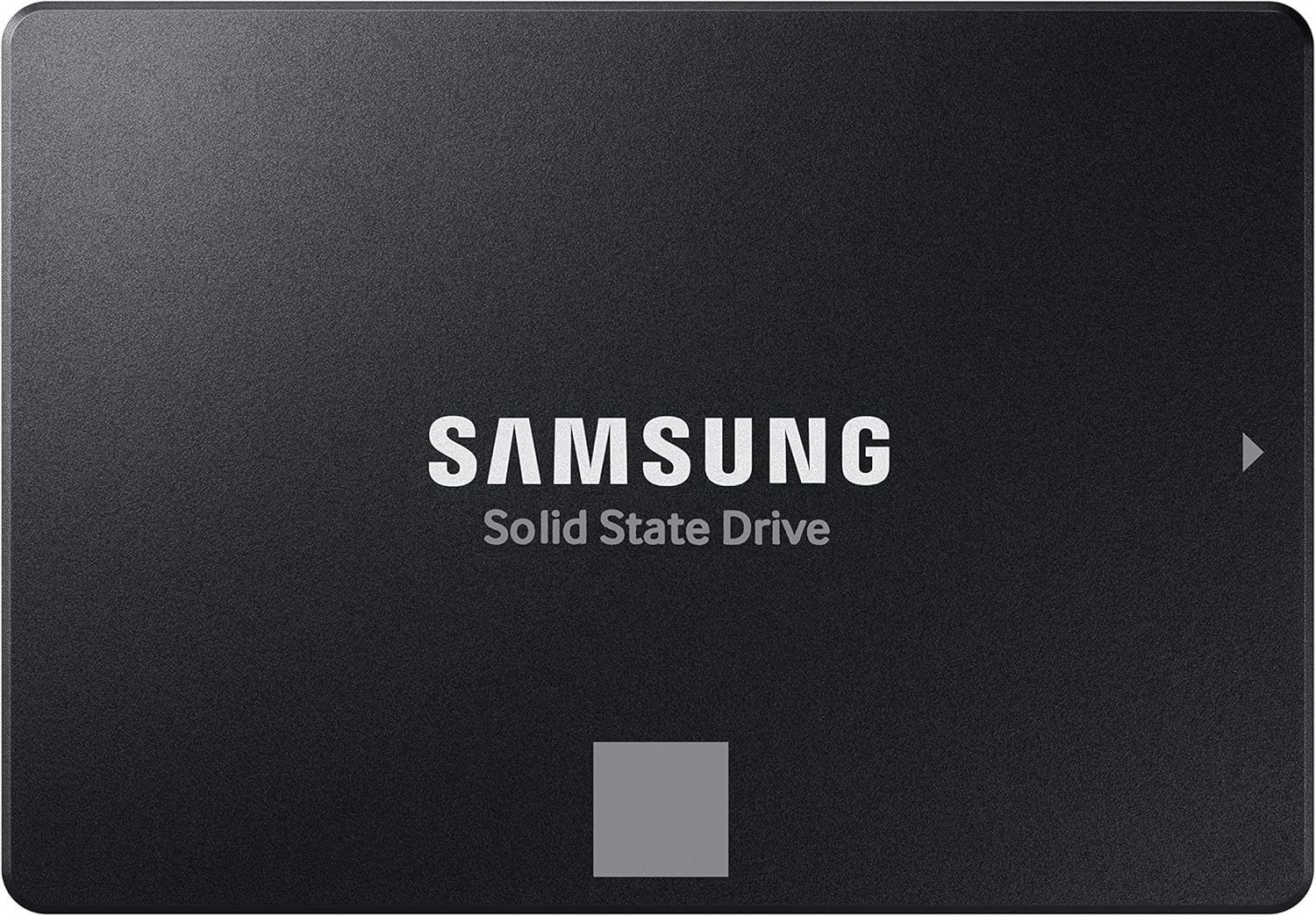
– Entry-Level ($50–$150 per 1TB): Suitable for small offices or test environments with light FileStream usage. SATA SSDs from reputable brands (e.g., Samsung 870 EVO, Crucial MX500) offer decent performance and reliability. Expect limited endurance (0.3 DWPD) and no power-loss protection. Ideal for proof-of-concept deployments or non-critical applications.
– Mid-Range ($150–$400 per 1TB): The sweet spot for most organizations. NVMe M.2 or U.2 SSDs (e.g., Samsung PM9A3, Kioxia CD6) deliver excellent performance, 1+ DWPD endurance, and enterprise features like PLP. Perfect for production FileStream systems handling moderate traffic and requiring high availability.
– Premium ($400–$800 per 1TB): Designed for demanding workloads with high concurrency and strict SLAs. Drives like the Solidigm D5-P5316 or Micron 7450 PRO offer 3+ DWPD, advanced error correction, and robust thermal management. Recommended for large enterprises, SaaS providers, or media-heavy applications.
– Luxury ($800+ per 1TB): Reserved for mission-critical, high-frequency FileStream operations—such as financial trading platforms or global content delivery networks. These ultra-high-endurance SSDs (e.g., Intel Optane P5800X) provide microsecond latencies, extreme IOPS, and multi-decade lifespans. Only justified when downtime costs exceed hardware expenses.

Expert Tips for Getting the Best Deal
– Time your purchase around major sales events: Black Friday, Cyber Monday, and back-to-school seasons often feature significant SSD discounts—even on enterprise models. Subscribe to deal aggregators like Slickdeals or TechBargains for alerts.
– Buy directly from OEMs or authorized resellers: Avoid third-party marketplaces where counterfeit or refurbished drives may be sold as new. Stick to vendors like CDW, Newegg Business, or directly from Samsung, Intel, or WD.
– Leverage trade-in programs: Some manufacturers offer credit for old drives, reducing net cost. This also ensures secure disposal of sensitive hardware.
– Negotiate service-level agreements (SLAs): For large deployments, request expedited replacement, on-site support, or customized firmware. Enterprise sales reps are often willing to accommodate to secure long-term contracts.
– Test before full deployment: Run a pilot with one or two SSDs in your actual FileStream environment. Measure latency, throughput, and CPU utilization under peak load. Compare results against your current setup.
– Check return policies: Ensure the vendor allows returns within 30 days if the drive doesn’t meet expectations. Some enterprise SSDs are non-returnable once installed.
– Monitor price trends: NAND flash prices fluctuate based on supply chain conditions. Use tools like DRAMeXchange to track market trends and buy when prices dip.
– Consider refurbished enterprise drives: Certified refurbished SSDs from reputable sellers can offer 70–80% of the performance at half the price—ideal for non-critical FileStream instances.

Frequently Asked Questions
Q: Can I use a consumer SSD for FileStream in a development environment?
A: Yes, for non-production use like testing or development, a consumer SSD is acceptable. Just ensure it has sufficient capacity and avoid simulating heavy production loads that could wear it out quickly.
Q: Does FileStream benefit more from read or write performance?
A: Both matter, but random read performance is typically more critical since users frequently access existing files. However, write performance becomes vital during bulk uploads or system migrations.
Q: Is RAID necessary with SSDs for FileStream?
A: While SSDs are more reliable than HDDs, RAID (especially RAID 10 or RAID 6) adds redundancy and protects against drive failure. For critical systems, RAID is strongly recommended.
Q: How does NVMe compare to SATA for FileStream?
A: NVMe offers 5–10x the bandwidth and significantly lower latency than SATA. In FileStream scenarios with concurrent users, NVMe can reduce response times by 50% or more, improving user experience and scalability.
Q: Can I mix SSD types in the same FileStream volume?
A: Technically yes, but it’s not advisable. Mixed drives can create performance bottlenecks and complicate troubleshooting. Use identical models for consistent behavior.
Q: What happens if an SSD fails in a FileStream setup?
A: SQL Server will mark the FILESTREAM filegroup as suspect, potentially making associated data inaccessible. Regular backups and RAID mitigate this risk. Always have a disaster recovery plan.
Q: Do I need to defragment SSDs used with FileStream?
A: No. Defragmentation is unnecessary and harmful to SSDs. Windows Server automatically disables defrag for SSDs, and SQL Server manages FILESTREAM data efficiently without manual intervention.
Q: Are there SSDs specifically optimized for SQL Server FileStream?
A: While no SSD is branded exclusively for FileStream, many enterprise drives undergo validation with Microsoft platforms. Look for “Microsoft SQL Server Optimized” badges or compatibility lists.
Q: How do I monitor SSD health in a FileStream environment?
A: Use built-in tools like Windows Performance Monitor, SQL Server DMVs (e.g., sys.dm_io_virtual_file_stats), and SSD vendor utilities. Track metrics like wear leveling count, reallocated sectors, and temperature.
Q: Will upgrading to NVMe SSDs require changes to my SQL Server configuration?
A: Not necessarily. FileStream operates at the file system level, so the upgrade is transparent to SQL Server. However, ensure the OS and drivers support NVMe, and consider adjusting memory and I/O settings for optimal performance.
Our Final Recommendations
– Best for Budget-Conscious Buyers: Samsung 870 EVO (1TB SATA) – Reliable, widely compatible, and affordable for light FileStream use. Lacks enterprise features but excellent for small teams.
– Best Overall Value: Kioxia CD6 Series (1TB U.2 NVMe) – Combines high endurance (1.3 DWPD), robust PLP, and competitive pricing. Ideal for mid-sized businesses seeking enterprise performance without premium costs.
– Best Premium Option: Solidigm D5-P5316 (2TB U.2) – Exceptional 3+ DWPD endurance, Gen4 NVMe speeds, and advanced thermal design. Perfect for high-traffic FileStream applications requiring maximum uptime.
– Best for Beginners: Crucial P5 Plus (1TB M.2 NVMe) – Easy to install, strong performance, and user-friendly software. Great for those new to NVMe or upgrading from SATA.
– Best for Advanced Users: Intel Optane P5800X (800GB AIC) – Unmatched latency (<10μs) and endurance (100+ DWPD). Overkill for most, but unmatched for latency-sensitive FileStream workloads in finance or real-time analytics.
Conclusion: Making the Right Choice
Choosing the right SSD for FileStream isn’t just about raw speed—it’s about aligning storage capabilities with your workload demands, budget constraints, and long-term operational goals. As we’ve explored, factors like endurance, interface type, reliability features, and vendor support play pivotal roles in determining real-world performance and longevity. While consumer SSDs may suffice for trivial use cases, enterprise-grade drives deliver the consistency, protection, and scalability that production FileStream environments require.
Remember, the cheapest option today could become the most expensive tomorrow if it leads to data loss or system downtime. Conversely, over-investing in ultra-high-end hardware may not yield proportional benefits if your workload doesn’t justify it. The key is balance: assess your current and projected needs, validate compatibility, and prioritize total cost of ownership over upfront price.
By following the guidance in this 2026 buying guide—from understanding performance metrics to avoiding common pitfalls—you’re well-equipped to make a smart, future-ready investment. Whether you’re refreshing an aging infrastructure or building a new FileStream-enabled application from scratch, the right SSD will not only enhance performance but also strengthen data integrity, user satisfaction, and business resilience.
Take the time to evaluate your options, test in your environment, and consult with trusted vendors. Your FileStream data deserves nothing less than optimal storage.