
Gaming has evolved dramatically over the past decade, transforming from a simple pastime into a high-fidelity, performance-driven experience. Today’s games demand not just powerful graphics cards and processors, but also fast, reliable storage solutions. Whether you’re diving into open-world RPGs with massive textures, fast-paced shooters requiring instant map loads, or simulation titles with complex world generation, your storage setup plays a critical role in how smoothly—and enjoyably—your games run. This is where the debate between SSDs (Solid State Drives) and HDDs (Hard Disk Drives) becomes central to building or upgrading a gaming rig.
Choosing the right storage configuration isn’t just about speed or capacity—it’s about balancing performance, cost, and practicality. While SSDs offer lightning-fast load times and system responsiveness, they come at a higher price per gigabyte compared to traditional HDDs, which still dominate when it comes to bulk storage. For many gamers, the optimal solution lies in a hybrid setup: using an SSD for your operating system, frequently played games, and essential applications, while relying on an HDD for storing large game libraries, media files, and backups. This guide will walk you through everything you need to know to make an informed decision tailored to your gaming needs, budget, and long-term goals.
In this comprehensive buying guide, you’ll learn how to evaluate SSDs and HDDs based on real-world gaming performance, understand the key technical specifications that matter most, and discover how to build a storage setup that maximizes both speed and value. We’ll break down the pros and cons of each drive type, compare different categories and form factors, highlight common pitfalls to avoid, and provide expert-backed recommendations for every budget. Whether you’re building your first gaming PC or upgrading an existing one, this guide equips you with the knowledge to choose wisely—and game better.
The storage market in 2026 is more dynamic than ever. NVMe SSDs have become mainstream, offering blistering speeds that were unimaginable just a few years ago, while SATA SSDs remain a solid choice for budget builds. Meanwhile, HDDs continue to offer unbeatable value for mass storage, with capacities now exceeding 20TB in consumer models. With prices fluctuating and new technologies like PCIe 5.0 and QLC NAND reshaping the landscape, it’s easy to feel overwhelmed. But by focusing on what truly impacts your gaming experience—load times, system responsiveness, multitasking, and future-proofing—you can cut through the noise and invest in storage that delivers both performance and peace of mind.

What to Look for When Buying Buying Guide
1. Budget & Price Range
Your budget is the foundation of any storage decision. While it’s tempting to splurge on the fastest NVMe drive available, doing so might leave you with insufficient space for your growing game library. Conversely, opting for a large HDD alone could result in frustratingly long load screens and stuttering during gameplay. The key is to strike a balance. As of 2026, a 1TB NVMe SSD typically costs between $60 and $120, while a 2TB SATA SSD ranges from $80 to $150. High-capacity HDDs (4TB–8TB) are far more affordable, often priced between $80 and $180. For most gamers, allocating 60–70% of your storage budget to an SSD for performance-critical tasks and the remainder to an HDD for bulk storage offers the best value.
2. Performance Specifications
Not all SSDs are created equal, and understanding performance metrics is crucial. For gaming, the most important specs include sequential read/write speeds, random read/write IOPS (Input/Output Operations Per Second), and interface type. NVMe SSDs connected via PCIe 4.0 or 5.0 can deliver read speeds exceeding 7,000 MB/s, drastically reducing game and level load times. SATA SSDs, while slower (capped at ~550 MB/s), still offer a massive improvement over HDDs and are ideal for secondary storage or older systems. Random performance—measured in IOPS—matters more for OS responsiveness and multitasking than raw throughput. A drive with high random read IOPS (e.g., 500K+) will feel snappier when switching between games, browsers, and streaming apps.
HDDs, by contrast, rely on spinning platters and mechanical arms, limiting their sequential speeds to around 80–160 MB/s. Their random access performance is even weaker, making them poorly suited for active gaming but fine for archival storage. Always check benchmarks from trusted sources like Tom’s Hardware or AnandTech rather than relying solely on manufacturer claims.
3. Build Quality & Durability
Durability matters—especially if you plan to move your PC or travel with it. SSDs have no moving parts, making them inherently more resistant to shock, vibration, and temperature fluctuations than HDDs. This makes them ideal for laptops, mini-PCs, or portable gaming rigs. Most consumer SSDs are rated for hundreds of terabytes written (TBW), meaning you’d need to write dozens of terabytes per month to hit the limit within the warranty period. For example, a 1TB Samsung 990 Pro has a 600 TBW rating—more than enough for years of heavy gaming.
HDDs, while robust in stationary setups, are vulnerable to physical damage if dropped or jostled while powered on. Their lifespan is also influenced by usage hours; many consumer drives are rated for 55,000 to 100,000 power-on hours. If you’re building a quiet, low-maintenance system, SSDs win hands down. But for long-term, static storage of rarely accessed games, a well-maintained HDD can last a decade or more.
4. Features & Functionality
Modern SSDs come packed with features that enhance performance and longevity. Look for drives with DRAM caches, which improve speed consistency and reduce wear on NAND flash. DRAM-less SSDs (often using HMB—Host Memory Buffer) are cheaper but can suffer from performance drops under sustained loads. Advanced features like SLC caching, thermal throttling protection, and power-loss protection are worth considering, especially for high-end NVMe drives that generate significant heat during heavy use.
HDDs offer fewer bells and whistles, but some models include features like vibration resistance, low-power modes, and built-in encryption (e.g., Seagate’s Secure). For gaming, however, these are less critical than raw capacity and reliability. One functional advantage of HDDs is their compatibility with older systems—many pre-2015 motherboards lack M.2 slots, making SATA HDDs or SSDs the only viable option.
5. Brand Reputation
Not all storage brands are equal. Established names like Samsung, Crucial, Western Digital, Kingston, and Sabrent have proven track records for reliability, performance, and customer support. Samsung’s 9-series SSDs, for instance, consistently rank among the fastest and most durable on the market. Crucial offers excellent value with its P-series NVMe drives, while Western Digital provides strong hybrid solutions like the WD Black SN850X.
Avoid no-name or ultra-budget brands that cut corners on NAND quality or firmware. Counterfeit drives are a real risk in the SSD market—especially on third-party marketplaces. Stick to reputable retailers and verify authenticity through manufacturer tools. Reading long-term user reviews on forums like Reddit’s r/buildapc or Linus Tech Tips can reveal hidden issues like early failure rates or poor thermal management.
6. Warranty & Support
A strong warranty is a sign of manufacturer confidence. Most premium SSDs come with 5-year limited warranties, often tied to TBW limits. For example, a 2TB drive with a 1,200 TBW rating and 5-year warranty means you’re covered even if you write 240TB per year—far beyond typical gaming use. Some brands, like Samsung and Crucial, also offer free data recovery services or migration software.
HDD warranties are typically shorter—3 to 5 years—and often exclude physical damage. However, companies like Seagate and WD provide excellent support portals with diagnostic tools and replacement programs. Always register your drive upon purchase to activate warranty coverage and receive firmware updates.
7. Form Factor & Compatibility
Physical size and connection type determine whether a drive will fit in your system. The most common SSD form factors are:
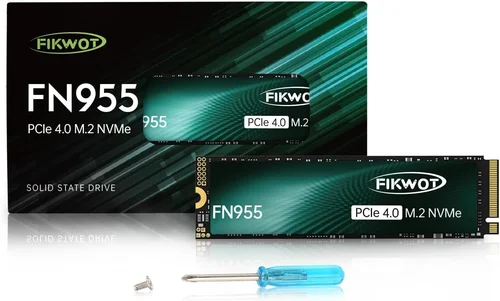
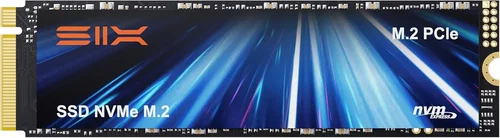
– M.2 2280: Compact, stick-like drives that plug directly into the motherboard. Ideal for modern desktops and laptops.
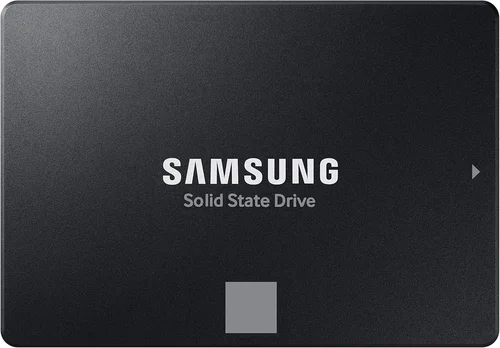
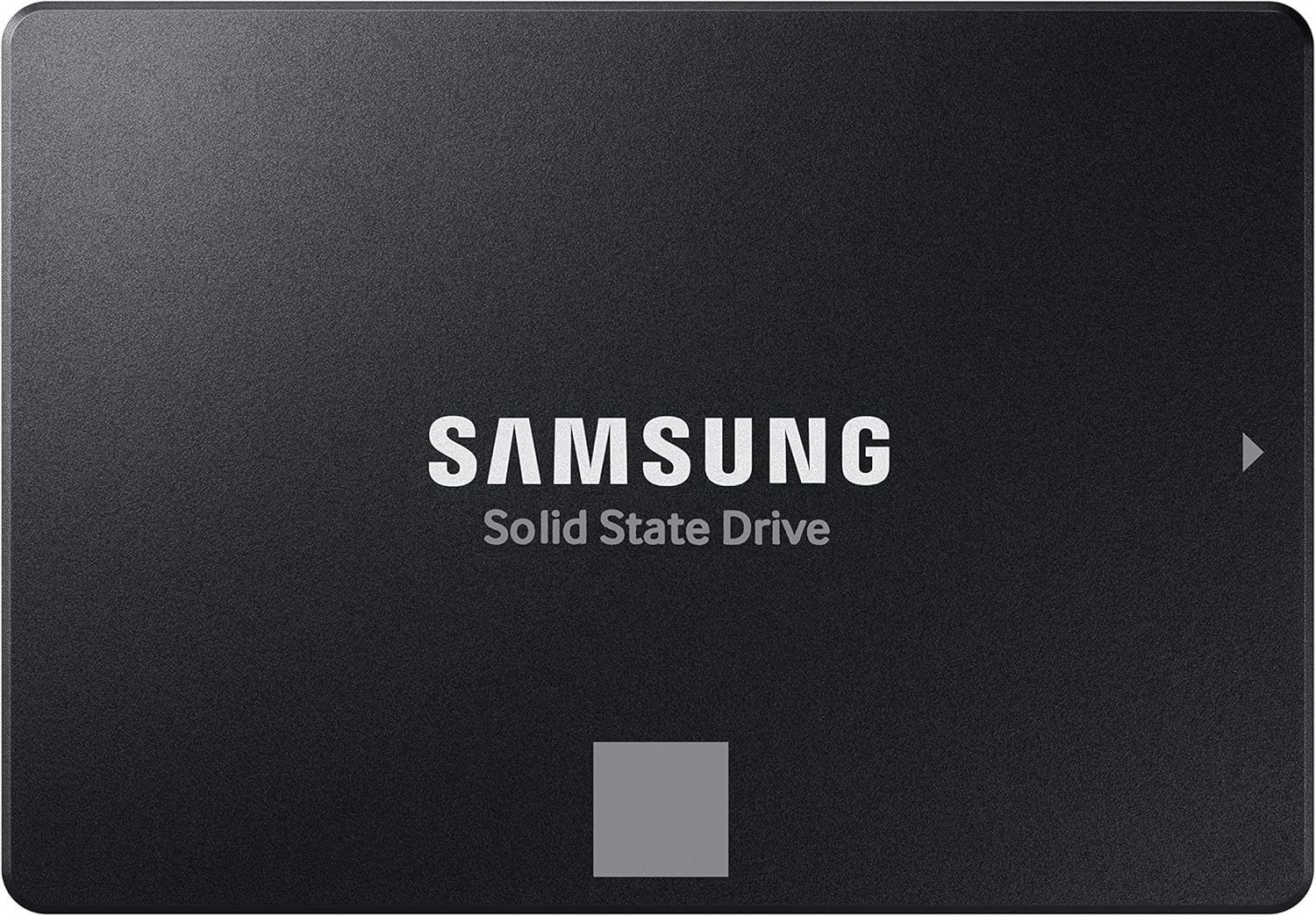
– 2.5-inch SATA: Traditional laptop-sized SSDs that connect via SATA cable and power. Compatible with nearly all PCs.
– U.2: Less common, used in enterprise settings but occasionally found in high-end workstations.
HDDs are almost exclusively 3.5-inch (desktop) or 2.5-inch (laptop) and require SATA connections. Before buying, check your motherboard’s manual for available M.2 slots, SATA ports, and physical clearance—especially in small-form-factor builds.
8. User Reviews & Real-World Testing
Spec sheets tell part of the story, but real-world performance matters more. A drive might boast 7,000 MB/s reads on paper but throttle heavily under load due to poor heatsinking. User reviews on Amazon, Newegg, or specialized forums often highlight these nuances. Look for feedback on:
– Consistency during long gaming sessions
– Heat generation and throttling
– Compatibility with specific motherboards or consoles
– Noise levels (for HDDs)
– Ease of installation and cloning
Professional reviews from sites like GamersNexus or Hardware Unboxed provide deeper insights, including thermal imaging and sustained write tests. Cross-referencing multiple sources gives you a clearer picture of how a drive will perform in your setup.
Different Types of Buying Guide

Common Buying Mistakes to Avoid
❌ Mistake: Buying Only an HDD for a New Gaming PC
Why it’s bad: While HDDs are cheap and spacious, they create a major bottleneck in modern gaming. Games like Cyberpunk 2077, Starfield, or Microsoft Flight Simulator rely heavily on fast asset streaming. An HDD can cause texture pop-in, long load screens, and even stuttering during gameplay. Your GPU and CPU will be underutilized while waiting for data.
What to do instead: Always include at least a 1TB NVMe SSD as your primary drive. Use the HDD for less demanding titles or media storage.
❌ Mistake: Choosing a DRAM-less SSD to Save Money
Why it’s bad: DRAM-less SSDs use system RAM as a cache, which can lead to inconsistent performance, especially during large file transfers or when the drive is nearly full. In gaming, this might manifest as occasional hitches or longer-than-expected load times.
What to do instead: Spend a little extra for a drive with a dedicated DRAM cache. The performance and longevity benefits far outweigh the small cost difference.
❌ Mistake: Ignoring Thermal Throttling in NVMe Drives
Why it’s bad: High-speed NVMe drives generate significant heat. Without proper cooling, they throttle down to protect themselves, reducing speeds by 50% or more. This negates the performance advantage you paid for.
What to do instead: Use a heatsink (many come bundled) or ensure your motherboard has an M.2 heatsink. Monitor temps with tools like HWInfo or CrystalDiskInfo.
❌ Mistake: Overpaying for PCIe 5.0 SSDs Without Need
Why it’s bad: PCIe 5.0 drives are cutting-edge but offer minimal real-world gaming benefits over PCIe 4.0. Most games don’t saturate even PCIe 3.0 bandwidth. You’re paying a premium for specs that won’t improve your experience.
What to do instead: Stick with PCIe 4.0 NVMe SSDs unless you’re doing video editing or 3D rendering. Save the extra $30–$50 for more storage or a better GPU.
❌ Mistake: Neglecting Backup Strategies
Why it’s bad: Both SSDs and HDDs can fail unexpectedly. Losing your OS, saves, or installed games is frustrating and time-consuming. Relying solely on one drive increases risk.
What to do instead: Implement a 3-2-1 backup rule: 3 copies of your data, on 2 different media, with 1 offsite (e.g., cloud). Use tools like Macrium Reflect or Windows Backup for regular imaging.
❌ Mistake: Buying the Largest Drive Without Considering Usage
Why it’s bad: A 4TB SSD might seem future-proof, but if you only play 3–4 games at a time, most of that space sits unused. You’re overspending on capacity you don’t need.
What to do instead: Assess your actual usage. Most gamers are fine with 1–2TB SSD + 4–8TB HDD. Prioritize speed for active games, not total capacity.
❌ Mistake: Skipping Firmware Updates
Why it’s bad: Manufacturers release firmware updates to fix bugs, improve performance, and enhance compatibility. Ignoring them can leave your drive vulnerable to issues or suboptimal performance.
What to do instead: Check your drive manufacturer’s website periodically or use their utility software (e.g., Samsung Magician, WD Dashboard) to stay updated.
Budget Guidelines: How Much Should You Spend?
Entry-Level ($50–$100): At this tier, focus on a 1TB SATA SSD or a budget NVMe like the Crucial P3. Pair it with a 2TB HDD if possible. This setup delivers solid performance for indie games, esports titles, and older AAA games. Expect load times 2–3x faster than HDD-only systems.
Mid-Range ($100–$200): This is the sweet spot for most gamers. Invest in a 1–2TB PCIe 4.0 NVMe SSD (e.g., WD Black SN770, Samsung 980 Pro) and a 4TB HDD. You’ll enjoy near-instant boot times, smooth gameplay in modern titles, and ample space for a growing library. Perfect for 1080p/1440p gaming rigs.
Premium ($200–$400): For enthusiasts and content creators, go all-in on speed and capacity. A 2TB high-end NVMe (Samsung 990 Pro, Sabrent Rocket 4 Plus) paired with an 8TB HDD offers elite performance and future-proofing. Ideal for 4K gaming, streaming, and multitasking.
Luxury ($400+): Reserved for professionals or extreme builders. Consider dual NVMe drives in RAID 0 (for max speed) or a 4TB Gen5 SSD. Add a 12–16TB HDD or NAS for archival storage. Only justified if you work with large files or demand zero compromise.
Expert Tips for Getting the Best Deal
– Buy during major sales events: Black Friday, Cyber Monday, Amazon Prime Day, and Newegg’s Fantastical Deals offer the deepest SSD discounts. Sign up for price alerts on Slickdeals or CamelCamelCamel.
– Prioritize reliability over peak specs: A slightly slower but more durable drive (e.g., Samsung over a no-name brand) will serve you better long-term.
– Check return policies: Ensure the retailer offers at least 30-day returns. Test your drive immediately for defects or performance issues.
– Use cloning software: When upgrading, clone your old drive to avoid reinstalling Windows and games. Tools like Acronis True Image or Macrium Reflect make this easy.
– Consider used enterprise drives cautiously: While cheap, they may have high wear levels. Always check SMART data before buying.
– Don’t forget the OS: Always install Windows and your most-played games on the SSD. The OS alone benefits greatly from fast storage.
– Monitor drive health: Use CrystalDiskInfo or the manufacturer’s tool to track temperature, wear level, and error counts.
– Future-proof with M.2: Even if you don’t need PCIe 4.0 now, choosing an M.2 NVMe drive ensures compatibility with future upgrades.
Frequently Asked Questions
Q: Is an SSD really necessary for gaming?
A: Yes—but not for every game. While an SSD won’t increase FPS, it dramatically reduces load times, eliminates texture pop-in, and improves overall system responsiveness. For modern AAA titles, an SSD is essential. For older or less demanding games, an HDD may suffice, but the experience is noticeably smoother with SSD storage.
Q: Can I install games on an HDD if I have an SSD?
A: Absolutely. Windows and your most-played games should go on the SSD for best performance. Less frequently played titles, mods, or media can reside on the HDD. You can easily move games between drives using Steam’s library folder feature or Windows’ built-in storage settings.
Q: Do consoles benefit from SSD upgrades?
A: Yes. The PlayStation 5 and Xbox Series X|S support internal NVMe SSD expansion. Upgrading to a compatible Gen4 drive (with heatsink) significantly reduces load times in supported games. For PS5, ensure the drive meets Sony’s speed and size requirements.
Q: How much SSD space do I really need?
A: For most gamers, 1TB is the minimum. Modern games like Call of Duty: Modern Warfare II or Red Dead Redemption 2 can take 150–200GB each. A 2TB SSD gives you room for 5–10 large titles plus the OS and apps. If you play fewer games or use cloud streaming, 1TB may suffice.
Q: Are external SSDs good for gaming?
A: They’re convenient for portability and console expansion, but performance depends on the connection. USB 3.2 Gen 2 (10Gbps) external SSDs work well for most games, though load times may be slightly slower than internal NVMe. Avoid USB 2.0 or slow HDD-based externals.
Q: Will an SSD improve my FPS?
A: No. Frame rate is determined by your GPU, CPU, RAM, and settings. However, an SSD can prevent stuttering caused by slow asset loading, especially in open-world games. It ensures your hardware performs at its peak without storage bottlenecks.
Q: How long do SSDs last for gaming?
A: Modern SSDs are extremely durable. With typical gaming use (writing 50–100GB per day), a 1TB drive with 600 TBW rating could last 15–30 years. Wear leveling and over-provisioning extend lifespan significantly. Failure is more likely due to manufacturing defects than wear.
Q: Should I defragment my SSD?
A: No. Defragmentation is unnecessary and harmful to SSDs. Windows automatically runs TRIM, which optimizes SSD performance. Defragging an SSD reduces its lifespan without providing benefits.
Q: Can I use an SSD as a cache for my HDD?
A: Technically yes, with technologies like Intel Optane or software solutions, but it’s rarely worth it for gaming. The complexity outweighs the marginal gains. A direct SSD install is simpler and more effective.
Q: What’s better: one large SSD or SSD + HDD combo?
A: For most users, the combo is better. It balances cost, performance, and capacity. A single large SSD is ideal if budget allows and you prioritize simplicity, but the hybrid approach offers the best value for the average gamer.
Our Final Recommendations
Best for Budget-Conscious Buyers: Crucial P3 1TB NVMe SSD + Seagate Barracuda 2TB HDD. Offers excellent performance per dollar with reliable components from trusted brands.
Best Overall Value: WD Black SN770 2TB NVMe SSD + WD Blue 4TB HDD. Combines high-speed Gen4 performance with massive storage at a reasonable price.
Best Premium Option: Samsung 990 Pro 2TB NVMe SSD + Seagate IronWolf 8TB HDD. Top-tier speed, endurance, and capacity for enthusiasts and creators.
Best for Beginners: Kingston NV2 1TB NVMe SSD + Toshiba P300 3TB HDD. Easy to install, widely compatible, and backed by strong warranties.
Best for Advanced Users: Sabrent Rocket 4 Plus 2TB NVMe SSD (with heatsink) + WD Red Pro 12TB HDD. Built for heavy workloads, RAID setups, and long-term reliability.
Conclusion: Making the Right Choice
Choosing between SSD and HDD—or deciding to use both—comes down to understanding your priorities. If speed, responsiveness, and a seamless gaming experience matter most, an SSD is non-negotiable. But if you’re building a library of hundreds of games or storing large media files, an HDD remains an indispensable partner. The hybrid approach isn’t just practical—it’s smart. It lets you enjoy the best of both worlds: the lightning-fast performance of solid-state storage for your active games and OS, and the cost-effective bulk capacity of traditional hard drives for everything else.
As you weigh your options, remember that storage is not just a component—it’s the foundation of your digital experience. Invest wisely, avoid common pitfalls, and don’t let marketing hype cloud your judgment. Focus on real-world performance, compatibility, and long-term value. Whether you’re upgrading an aging system or building a dream rig from scratch, the right storage setup will keep you gaming smoothly for years to come.
Take the time to assess your needs, compare your options, and plan for the future. With the insights from this guide, you’re equipped to make a confident, informed decision. Your games—and your patience—will thank you. Now go build that perfect setup and dive back into your favorite worlds with confidence.