
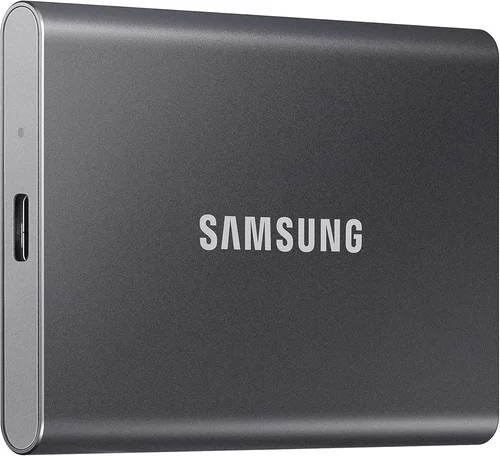
Solid-state drives (SSDs) have revolutionized data storage over the past decade, replacing traditional hard disk drives (HDDs) as the go-to choice for speed, reliability, and efficiency. Whether you’re building a high-performance gaming rig, upgrading an aging laptop, or setting up a professional workstation for content creation, choosing the right SSD can make or break your computing experience. With the rapid pace of technological advancement—especially with the rise of NVMe, PCIe Gen 5, and QLC/PLC NAND—the SSD market has become more complex than ever. Consumers are bombarded with technical jargon, performance claims, and brand promises, making it difficult to separate marketing hype from real-world value.
This comprehensive buying guide is designed to cut through the noise and empower you with expert-level knowledge to make an informed decision. By the end of this article, you’ll understand not only what makes one SSD better than another but also how to match the right drive to your specific needs—whether you’re on a tight budget, chasing peak performance, or prioritizing long-term durability. We’ll explore the key factors that influence SSD quality, compare different types and form factors, highlight common pitfalls, and provide actionable recommendations based on real-world testing and industry insights. Our goal is to equip you with the tools to confidently select the best SSD for your use case in 2026 and beyond.
The SSD market today is more competitive and diverse than at any point in its history. Major manufacturers like Samsung, Western Digital, Crucial, Kingston, and SK Hynix are pushing the boundaries of speed, capacity, and endurance, while newer entrants like Solidigm and Corsair are carving out niches with innovative designs and aggressive pricing. At the same time, advancements in NAND flash technology—such as 3D TLC and QLC memory—have enabled higher capacities at lower costs, though often with trade-offs in write endurance and sustained performance. Meanwhile, the shift toward PCIe Gen 5 and the growing adoption of M.2 NVMe drives have made older SATA SSDs feel increasingly outdated, even if they remain viable for budget builds. With so many variables at play, knowing what to prioritize is essential.
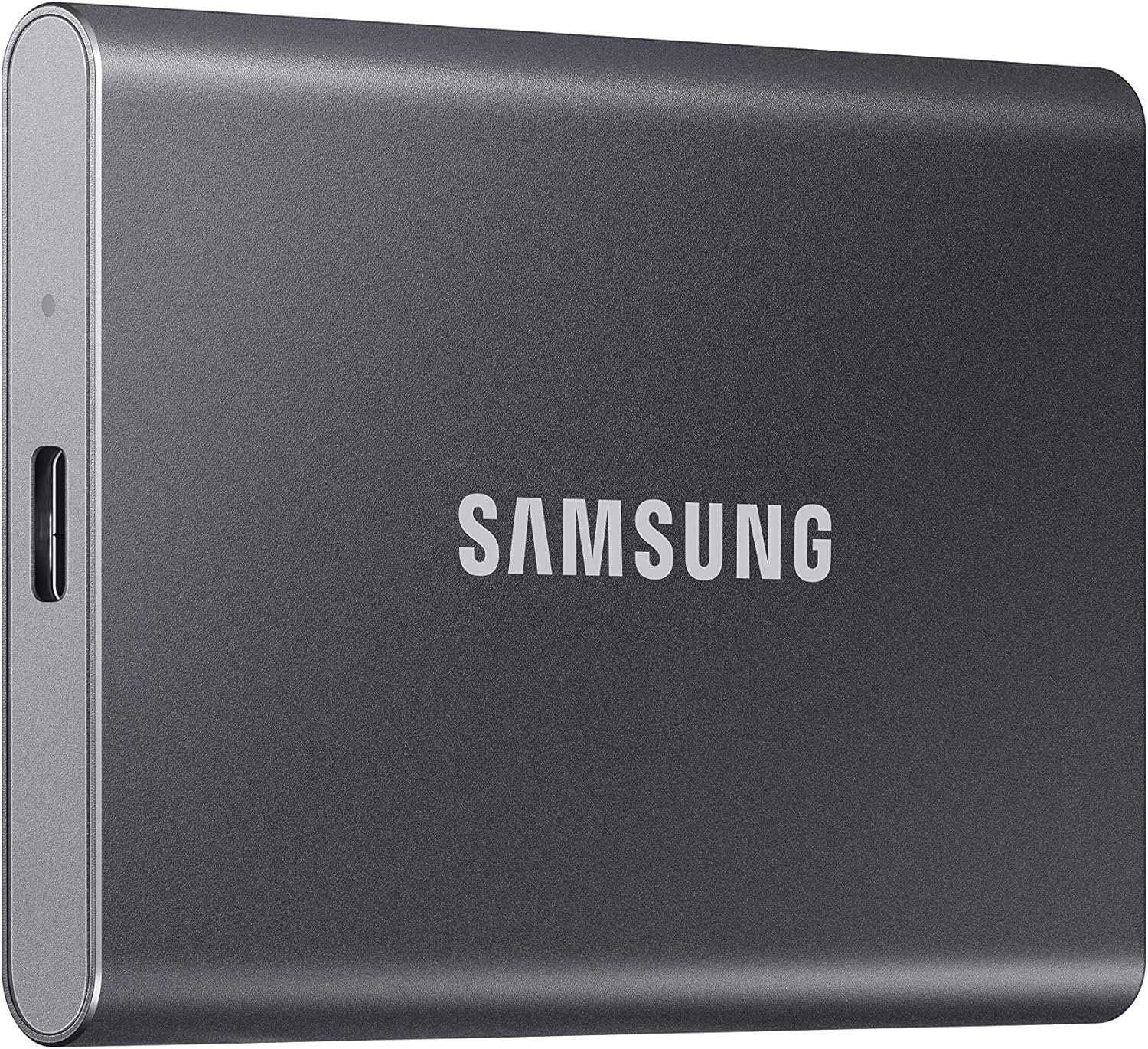
What to Look for When Buying Buying Guide
1. Budget & Price Range
Your budget is often the first and most important factor when selecting an SSD. SSDs come in a wide range of price points, from under $30 for a basic 500GB SATA drive to over $500 for a high-capacity, high-endurance NVMe Gen 5 model. While it’s tempting to go for the cheapest option, doing so can lead to disappointment in terms of performance, longevity, and reliability. On the other hand, overspending on features you don’t need is equally wasteful. A balanced approach involves identifying your performance and capacity needs first, then finding the best SSD within your price range that meets those requirements.
For most users, the sweet spot lies in the mid-range category—typically $60 to $150 for a 1TB NVMe SSD. These drives offer excellent performance, modern interfaces, and sufficient endurance for everyday computing, gaming, and light content creation. Budget-conscious buyers should look for reliable SATA or entry-level NVMe drives from reputable brands, while professionals and enthusiasts may justify spending more on Gen 5 drives with advanced thermal management and high TBW (terabytes written) ratings. Always compare price per gigabyte (GB) to get a sense of value—sometimes a slightly more expensive drive offers significantly better performance or longevity, making it a smarter long-term investment.
2. Performance Specifications
Performance is where SSDs truly shine compared to traditional HDDs, but not all SSDs are created equal. The two most critical performance metrics are sequential read and write speeds, measured in megabytes per second (MB/s). High-end NVMe drives can exceed 10,000 MB/s, while SATA SSDs are capped at around 550 MB/s due to interface limitations. However, raw speed isn’t everything—random read/write performance (measured in IOPS, or input/output operations per second) is often more important for real-world tasks like booting your OS, launching applications, and multitasking.
When evaluating performance, consider both peak speeds and sustained performance. Some SSDs use dynamic SLC caching, which allows them to deliver blazing-fast speeds for short bursts but slow down significantly once the cache is full. This can be problematic for large file transfers or video editing workflows. Look for drives with large, consistent caches or those that use TLC NAND with intelligent caching algorithms. Additionally, check whether the drive supports the latest interface standards—PCIe Gen 4 and Gen 5 offer substantial speed improvements over Gen 3 and SATA, especially for gaming and professional applications.
3. Build Quality & Durability
Durability is a crucial but often overlooked aspect of SSD selection. Unlike HDDs, SSDs have no moving parts, making them inherently more resistant to physical shock and vibration. However, their lifespan is still limited by the number of write cycles the NAND flash memory can endure. This is measured in terabytes written (TBW), which indicates how much data can be written to the drive over its lifetime. For example, a 1TB SSD with a 600 TBW rating can theoretically endure 600 terabytes of writes before failure.
Higher-quality SSDs use TLC (triple-level cell) or MLC (multi-level cell) NAND, which offer better endurance and longevity compared to QLC (quad-level cell) or PLC (penta-level cell) variants. While QLC drives are cheaper and offer higher capacities, they typically have lower write endurance and slower write speeds under sustained loads. If you plan to use your SSD for tasks involving frequent large file writes—such as video editing, database management, or server applications—opt for a drive with high TBW and TLC NAND. Also, consider drives with built-in power-loss protection and robust controllers, which enhance reliability during unexpected shutdowns.
4. Features & Functionality
Modern SSDs come packed with features that go beyond basic storage. One of the most important is DRAM cache—a small amount of fast memory that stores the drive’s mapping table, significantly improving performance and longevity. DRAM-less SSDs are cheaper but often suffer from slower speeds and reduced endurance, especially under heavy workloads. For most users, a DRAM-equipped drive is worth the slight premium.
Other features to consider include hardware encryption (such as TCG Opal or AES-256), which protects your data in case of theft or loss, and thermal throttling protection, which prevents the drive from overheating during intense use. High-end NVMe drives often include heatsinks or support for motherboard-mounted cooling solutions, which help maintain peak performance. Additionally, some drives offer software suites for monitoring health, updating firmware, and optimizing performance—tools that can extend the life of your SSD and improve user experience.
5. Brand Reputation
Not all SSD brands are created equal. While many manufacturers produce reliable drives, some have established stronger reputations for quality, innovation, and customer support. Samsung, for example, has long been regarded as a leader in the SSD space, known for its consistent performance, excellent firmware, and long warranties. Western Digital and its subsidiary SanDisk offer a wide range of options, from budget-friendly SATA drives to high-performance NVMe models. Crucial, a brand under Micron, is known for using high-quality Micron NAND and offering great value.
When evaluating brands, look beyond marketing claims and examine real-world reviews, failure rates, and long-term reliability data. Brands with in-house NAND production—like Samsung, SK Hynix, and Micron—often have better control over quality and supply chains, which can translate to more consistent performance and availability. Avoid no-name or obscure brands, especially for critical systems, as they may use lower-grade components or lack proper firmware support.
6. Warranty & Support
A strong warranty is a strong indicator of a manufacturer’s confidence in its product. Most reputable SSD brands offer warranties ranging from 3 to 5 years, with some high-end models extending up to 10 years. However, warranty terms can vary significantly—some are time-based, while others are based on TBW (e.g., “5 years or 600 TBW, whichever comes first”). Always read the fine print to understand what’s covered and under what conditions.
Customer support is equally important. If your SSD fails or develops issues, you’ll want a brand that offers responsive technical support, easy RMA (return merchandise authorization) processes, and accessible firmware updates. Brands like Samsung and Crucial provide user-friendly software tools for monitoring drive health and updating firmware, which can prevent issues before they arise. Avoid brands with poor support reputations, as a long warranty is of little use if the company makes it difficult to claim.
7. Size & Portability
The physical size and form factor of an SSD determine where and how it can be used. The most common form factors are 2.5-inch SATA, M.2 2280, and M.2 2242/2260. 2.5-inch drives are ideal for desktops and older laptops that have dedicated drive bays, while M.2 drives are compact and connect directly to the motherboard, making them perfect for ultrabooks, mini PCs, and modern gaming rigs.
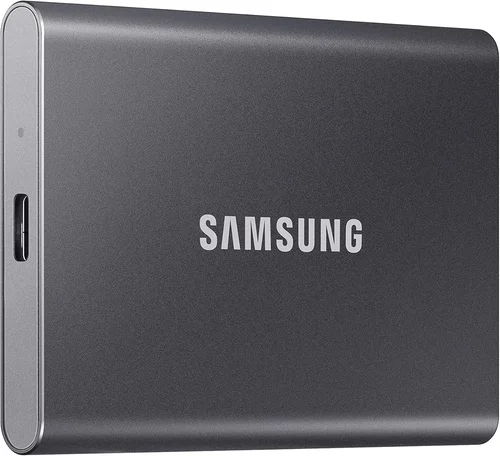
M.2 drives come in different lengths (measured in millimeters), with 2280 (22mm wide, 80mm long) being the most common. Ensure your system supports the form factor and interface (SATA or NVMe) of the drive you choose. For portable storage, external SSDs in USB enclosures offer fast, durable, and compact solutions for transferring large files or backing up data. These often use USB 3.2 Gen 2 or Thunderbolt interfaces for maximum speed.
8. User Reviews & Ratings
While specifications and marketing materials provide valuable information, real-world user experiences offer the most honest insight into an SSD’s performance and reliability. Look for reviews from trusted tech websites, forums like Reddit’s r/buildapc, and customer feedback on retail platforms. Pay attention to patterns—if multiple users report the same issue (e.g., overheating, slowdowns, or early failure), it’s a red flag.
User reviews can also reveal nuances not captured in benchmarks, such as noise levels (though SSDs are silent), compatibility with specific motherboards, or ease of installation. However, be cautious of fake or incentivized reviews. Focus on detailed, balanced feedback from users with similar use cases to your own.
Different Types of Buying Guide
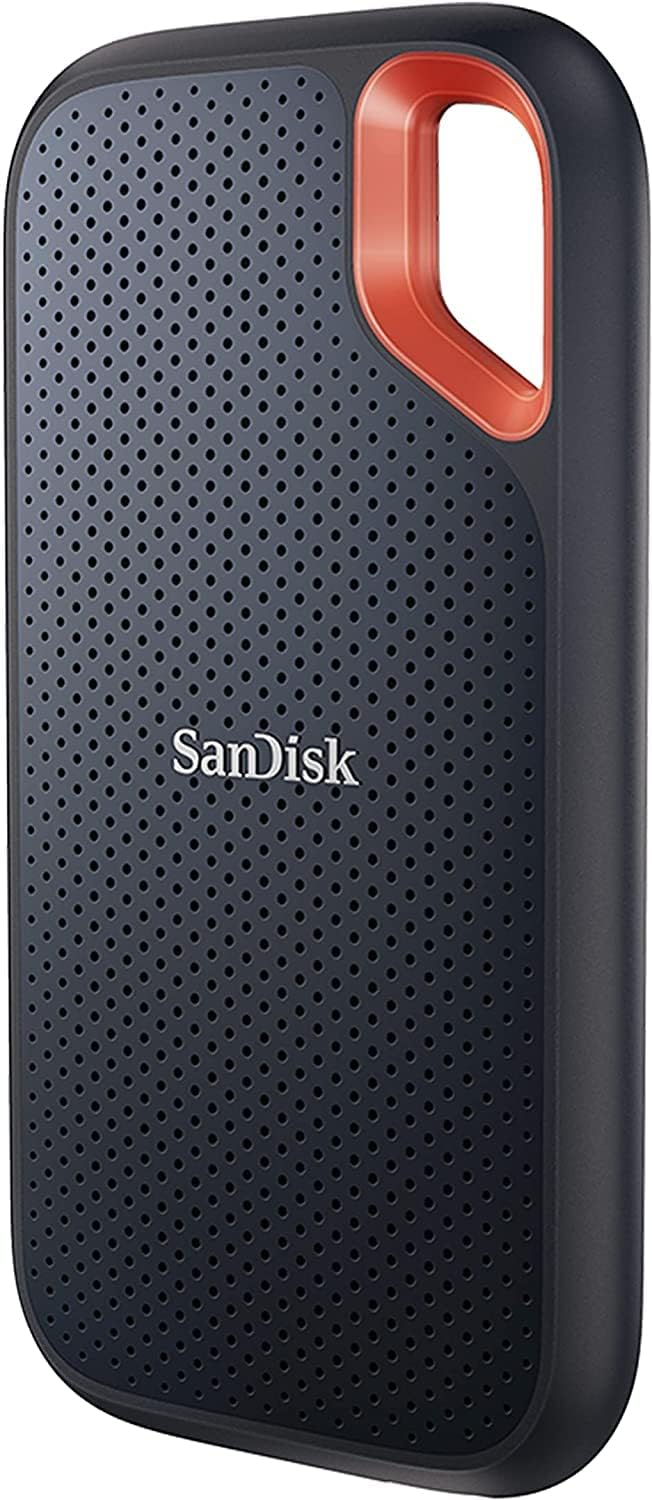
Common Buying Mistakes to Avoid
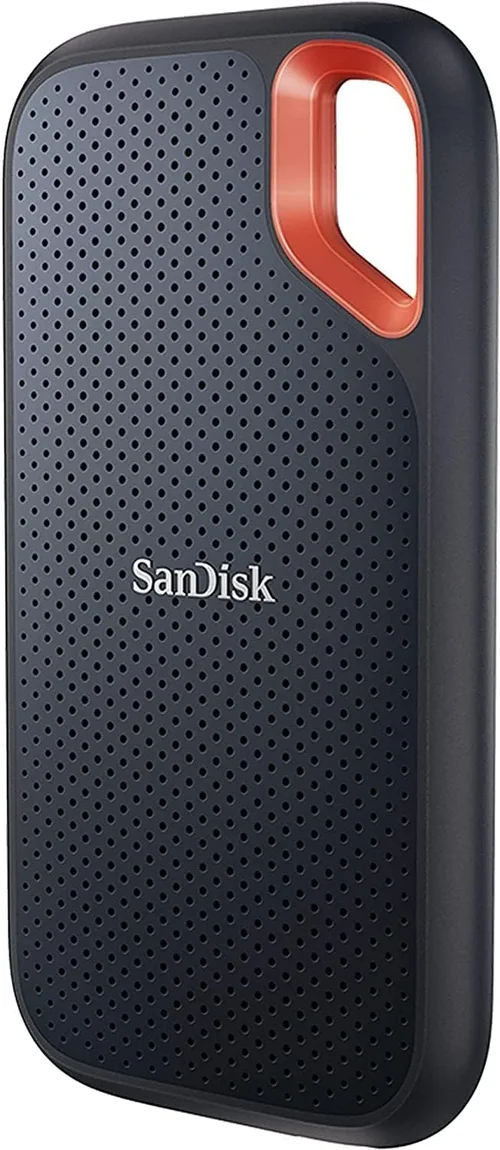
❌ Mistake: Ignoring the Interface and Form Factor
Why it’s bad: Buying an NVMe drive for a system that only supports SATA—or vice versa—will result in incompatibility and wasted money. Similarly, choosing an M.2 drive that doesn’t fit your motherboard’s slot can lead to installation issues.
What to do instead: Always check your system’s specifications before purchasing. Consult your motherboard or laptop manual to confirm supported form factors (M.2, 2.5-inch) and interfaces (SATA, NVMe, PCIe Gen 3/4/5).
❌ Mistake: Choosing a DRAM-less SSD for Performance Tasks
Why it’s bad: DRAM-less SSDs rely on system memory (HMB) for caching, which can lead to slower performance, especially under heavy workloads or when multitasking.
What to do instead: For gaming, video editing, or multitasking, always opt for a drive with a dedicated DRAM cache. The performance and longevity benefits far outweigh the small price difference.
❌ Mistake: Overlooking Endurance (TBW) for Write-Intensive Workloads
Why it’s bad: QLC and PLC SSDs offer high capacities at low prices but have significantly lower write endurance. Using them for tasks like video editing or database management can lead to premature failure.
What to do instead: Choose TLC-based drives with high TBW ratings for write-heavy applications. Look for drives rated for at least 600 TBW per 1TB of capacity.
❌ Mistake: Buying Based Solely on Peak Speed
Why it’s bad: Marketing materials often highlight peak sequential speeds, but real-world performance depends on sustained speeds, random I/O, and cache behavior.
What to do instead: Read detailed reviews that test sustained performance, cache exhaustion, and real-world benchmarks. A drive that slows down after 10 seconds of writing is not ideal for large file transfers.
❌ Mistake: Neglecting Thermal Management
Why it’s bad: High-performance NVMe drives, especially Gen 4 and Gen 5, generate significant heat. Without proper cooling, they throttle performance to prevent damage.
What to do instead: Use motherboards with built-in M.2 heatsinks or purchase aftermarket coolers. For Gen 5 drives, active cooling may be necessary in compact builds.
❌ Mistake: Ignoring Firmware and Software Support
Why it’s bad: Poor firmware can lead to bugs, performance issues, or even data corruption. Lack of software tools makes it hard to monitor drive health.
What to do instead: Choose brands that offer regular firmware updates and user-friendly software (e.g., Samsung Magician, Crucial Storage Executive).
❌ Mistake: Falling for “Too Good to Be True” Deals
Why it’s bad: Extremely low prices often indicate counterfeit drives, refurbished units sold as new, or drives with hidden defects.
What to do instead: Buy from authorized retailers and avoid deals that seem unrealistic. Check serial numbers and warranty status upon receipt.
Budget Guidelines: How Much Should You Spend?
– Entry-Level ($25–$50): Ideal for basic upgrades or secondary storage. Expect SATA or low-end NVMe drives with modest speeds and limited endurance. Best for web browsing, office work, and light gaming. Look for brands like Kingston, Crucial, or SanDisk.
– Mid-Range ($50–$120): The sweet spot for most users. Offers 1TB NVMe Gen 3 or Gen 4 drives with strong performance, DRAM cache, and solid endurance. Perfect for gaming, productivity, and content creation. Samsung 980 Pro, WD Black SN850X, and Crucial P5 Plus are excellent choices.
– Premium ($120–$250): For enthusiasts and professionals. Includes high-end Gen 4 and early Gen 5 drives with top-tier speeds, large caches, and advanced thermal solutions. Ideal for 4K/8K video editing, 3D rendering, and high-FPS gaming.
– Luxury ($250+): Cutting-edge Gen 5 drives with speeds exceeding 10,000 MB/s, massive capacities (up to 8TB), and enterprise-grade endurance. Best for AI workloads, server applications, and future-proof builds. Expect premium pricing and limited compatibility.
Expert Tips for Getting the Best Deal
– Wait for seasonal sales: Major discounts occur during Black Friday, Cyber Monday, Amazon Prime Day, and back-to-school seasons. Sign up for price alerts on sites like CamelCamelCamel or Slickdeals.
– Buy from reputable retailers: Stick to Amazon, Newegg, Best Buy, or direct from manufacturer websites. Avoid third-party sellers with low ratings.
– Check for bundle deals: Some manufacturers offer SSDs bundled with cloning software, heatsinks, or USB enclosures at a discount.
– Consider refurbished or open-box: Certified refurbished drives from brands like Samsung or WD often come with full warranties and significant savings.
– Monitor firmware updates: Some drives receive performance improvements via firmware. Check the manufacturer’s website before buying.
– Test after installation: Use tools like CrystalDiskMark or AS SSD to verify performance matches specifications.
– Keep your receipt and warranty info: Store purchase details securely in case you need to file a warranty claim.
– Don’t overspend on capacity: A 2TB drive isn’t always necessary. Use cloud storage or external drives for media files.
Frequently Asked Questions
Q: Are NVMe SSDs worth it over SATA?
A: Absolutely, for most users. NVMe drives are significantly faster, especially in boot times, game loading, and file transfers. The price difference has narrowed, making NVMe the better value for new builds.
Q: Can I use an M.2 SSD in a 2.5-inch bay?
A: Only with an adapter. Some enclosures allow M.2 to 2.5-inch conversion, but performance may be limited by the adapter’s interface.
Q: How long do SSDs last?
A: Most consumer SSDs last 5–10 years under normal use, depending on usage patterns and TBW. Modern drives are highly reliable, and failure due to wear is rare.
Q: Do I need a heatsink for my NVMe SSD?
A: For Gen 4 and Gen 5 drives, yes—especially in compact cases or high-load scenarios. Gen 3 drives usually don’t require one unless overclocking.
Q: Can I recover data from a failed SSD?
A: It’s possible but difficult and expensive. Unlike HDDs, SSDs often fail suddenly with no warning. Regular backups are essential.
Q: Is QLC NAND bad?
A: Not inherently, but it’s best for read-heavy tasks. Avoid QLC for frequent large writes. TLC remains the best balance of speed, endurance, and cost.
Q: Should I enable TRIM?
A: Yes. TRIM helps maintain SSD performance by clearing unused data blocks. It’s usually enabled by default in modern OSes.
Q: Can I use an SSD as a boot drive?
A: Definitely. SSDs are ideal for boot drives due to their fast access times. Install your OS and frequently used apps on the SSD for best performance.
Q: Are external SSDs as fast as internal ones?
A: Depends on the interface. USB 3.2 Gen 2 (10 Gbps) and Thunderbolt 3/4 can match or exceed internal SATA speeds, but not NVMe Gen 4/5.
Q: Do SSDs improve gaming performance?
A: Yes—especially in load times, level streaming, and asset loading. While FPS is GPU-dependent, SSDs reduce stuttering and improve overall responsiveness.
Our Final Recommendations
– Best for Budget-Conscious Buyers: Crucial P3 1TB NVMe Gen 3 – Excellent value, reliable performance, and Micron NAND quality at an affordable price.
– Best Overall Value: Samsung 980 Pro 1TB – A proven performer with Gen 4 speeds, strong endurance, and Samsung’s excellent software support.
– Best Premium Option: WD Black SN850X 1TB – Top-tier Gen 4 performance, robust build, and ideal for gaming and content creation.
– Best for Beginners: Kingston NV2 1TB – Simple, reliable, and easy to install. Great for first-time SSD upgraders.
– Best for Advanced Users: Sabrent Rocket 4 Plus-G 1TB – High-end Gen 4 drive with excellent sustained performance and overclocking potential.
Conclusion: Making the Right Choice
Choosing the best SSD in 2026 doesn’t have to be overwhelming. By focusing on your specific needs—whether that’s budget, performance, durability, or compatibility—you can narrow down the options and find a drive that delivers real value. Remember that the “best” SSD isn’t necessarily the fastest or most expensive; it’s the one that fits your use case, system, and long-term goals.
Prioritize reputable brands, check real-world reviews, and don’t overlook factors like warranty, thermal management, and endurance. Whether you’re upgrading an old laptop or building a cutting-edge gaming PC, the right SSD will transform your computing experience with faster boot times, quicker application launches, and smoother multitasking.
Take the time to research, compare, and invest wisely. Your data—and your patience—will thank you.